
Определили ваш договор
Он заключён с ООО «Интернет Решения». Если есть другой договор, сможете переключиться на него в боковом меню
Available with the “Review management” subscription from April 1, 2026.
If a review contains inaccurate information or misleads customers, hide it. You can hide up to 3 reviews per month. The limit resets on the start date of each new subscription period.
You can’t hide reviews for canceled orders or reviews submitted via the “Expedited review collection” tool if the customer hasn’t received points yet.
To hide a review:
In the Products → Customer reviews section, open the review.
Click Hide.
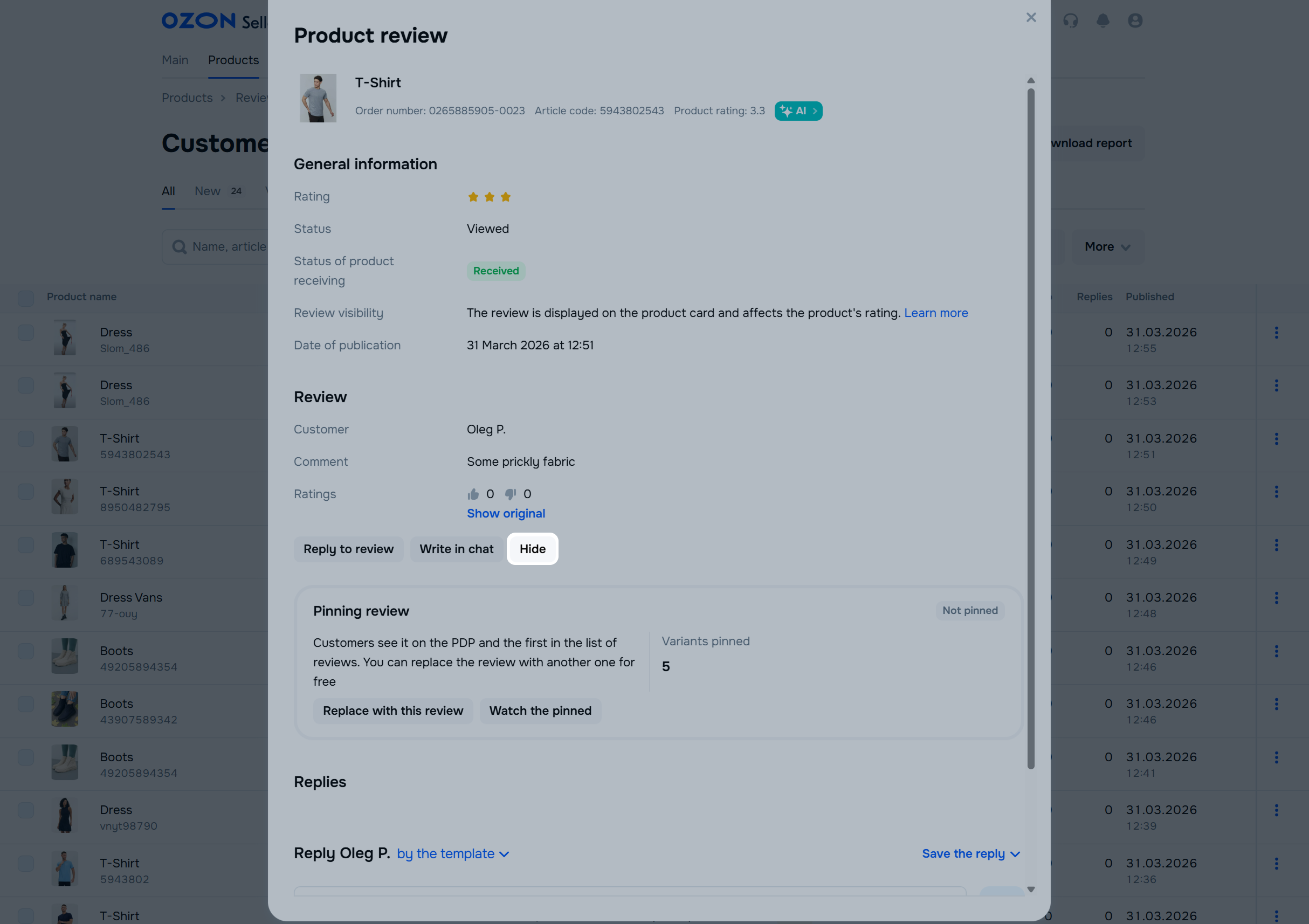
Select the reason and click Hide review. We remove the review from the PDP and your account.
Hide menu
Show menu
Выберите договор

Это база знаний для продавцов из стран СНГ и дальнего зарубежья.
Если ваша компания зарегистрирована в России, перейдите в базу знаний для продавцов из России.
Когда вы зарегистрировались на Ozon?
Условия работы и инструкции зависят от даты заключения договора — её можно посмотреть в разделе Договоры
Определили ваш договор
Он заключён с ООО «Интернет Решения». Если есть другой договор, сможете переключиться на него в боковом меню
