
Определили ваш договор
Он заключён с ООО «Интернет Решения». Если есть другой договор, сможете переключиться на него в боковом меню
You can launch promotion for selected products or all at once.
This can be done on the tool page or via a pay-per-click campaign.
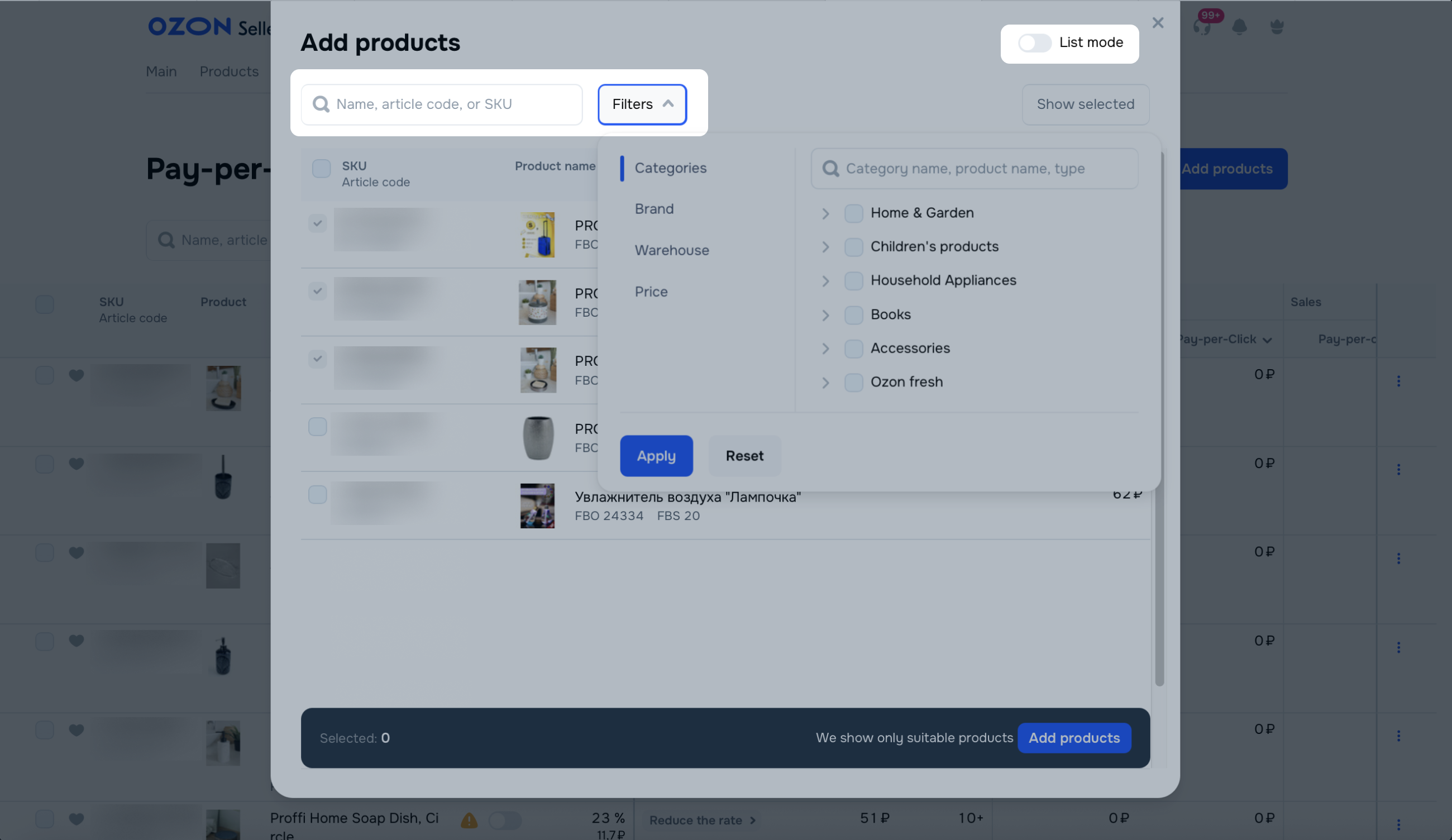
To reduce the rate and get additional benefits, you can also add products to a “Pay-per-click” campaign.
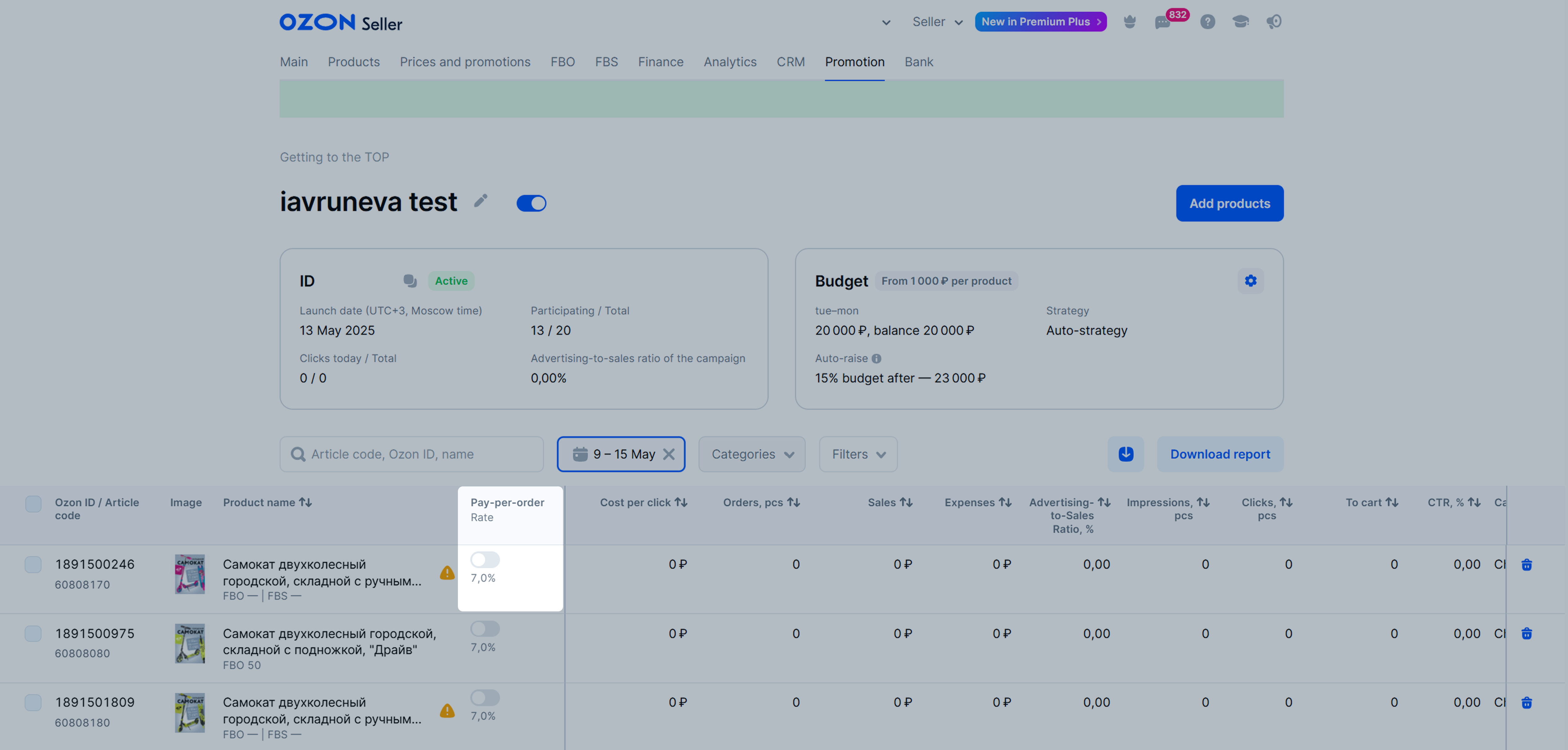
When launching the campaign, enable Pay-per-order. You can also open the campaign in the Pay-per-click section and in the Pay-per-order column, enable the switch for the desired product.
After that, the product starts being promoted via the “Pay-per-order” tool at a reduced rate.
Go to Promotion → Pay-per-Order → All Products and click Launch.
Rate is the percentage of a product price you’re paying if customers order the product in the promoted position.
We charge the fixed rate set for each product if customers:
The minimum amount charged per order is 5 RUB.
The rate is charged from the price you set on the PDP, excluding promotional discounts.
Learn more about types of prices
Rates in the tool vary depending on the selected type of promotion.
If a product in a pay-per-order campaign is promoted simultaneously on the “Favorites” and “All Products” tabs, the higher rate is applied.
Rates depend on the category of the promoted item and cannot be changed. They can be reduced, however.
Download the table with fixed rates by categories (XLSX)
You can reduce the rate to 10% by adding your product to the “Pay-per-click” campaign. Then, if customers order it, we charge the reduced percentage of all sales that you got due to promotion tools.
Rate charging process:
Suppose you are adding a product from the Books category to Pay-per-Order. Additionally, the same product is promoted via Pay-per-Click at a rate of ₽5 per click.
As a result of promotion, the product receives:
We’ll charge:
Total for 3 orders and 25 clicks, 125 + 300 + 600 = ₽1,025 will be charged.
Reduced rate is active as long as the product is added to the “Pay-per-click” campaign with the “Active” or “Suspended” status. If you disable the campaign, the rate for the product order increases to the fixed value.
In promotion results, you can view the number of orders each promotion tool brings.
A fixed rate of 22% applies for all categories.
Hide menu
Show menu
Выберите договор

Это база знаний для продавцов из стран СНГ и дальнего зарубежья.
Если ваша компания зарегистрирована в России, перейдите в базу знаний для продавцов из России.
Когда вы зарегистрировались на Ozon?
Условия работы и инструкции зависят от даты заключения договора — её можно посмотреть в разделе Договоры
Определили ваш договор
Он заключён с ООО «Интернет Решения». Если есть другой договор, сможете переключиться на него в боковом меню
