
Определили ваш договор
Он заключён с ООО «Интернет Решения». Если есть другой договор, сможете переключиться на него в боковом меню
You can edit the supply request before its status is changed to “Acceptance at the warehouse”.
To edit the request:
In the FBP → Supply requests section, click the request number.
On the Products tab, click Edit product list.
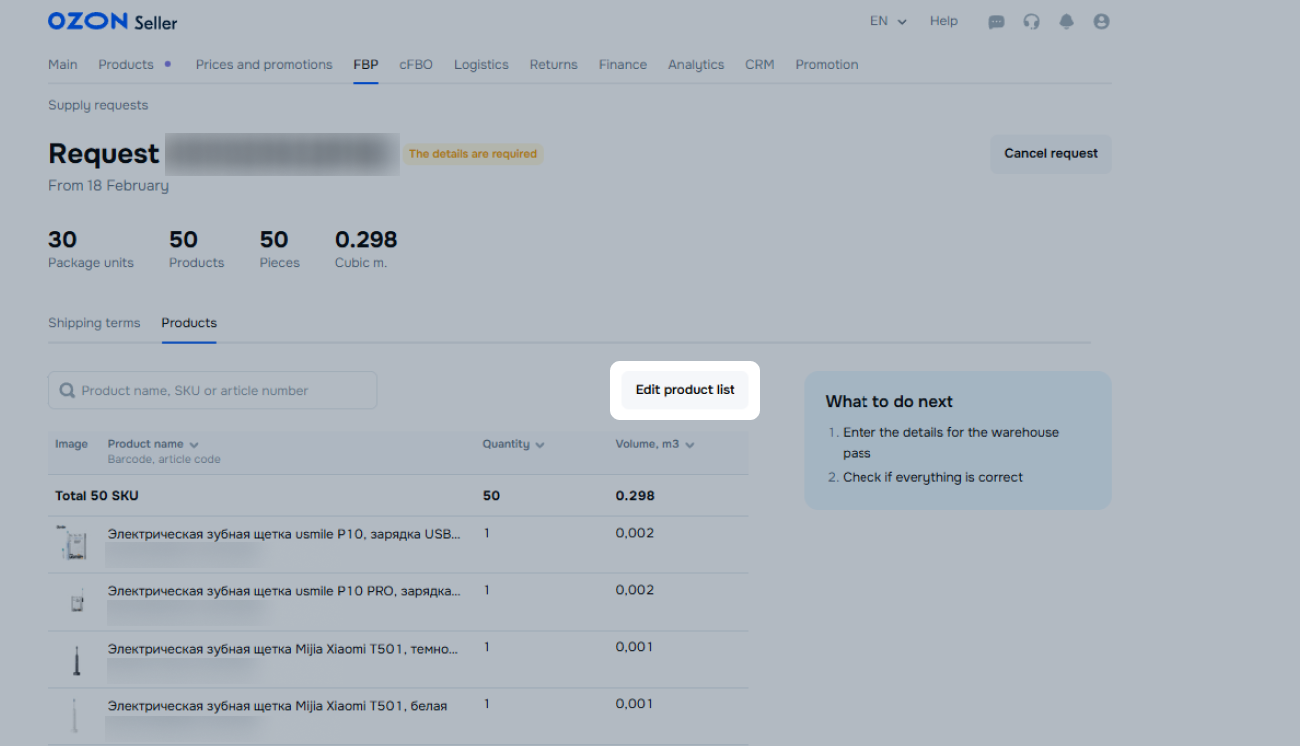
Edit the supply. You can:
We recalculate the supply volume automatically.
Click Save.
Reasons why you can’t change or delete positions:
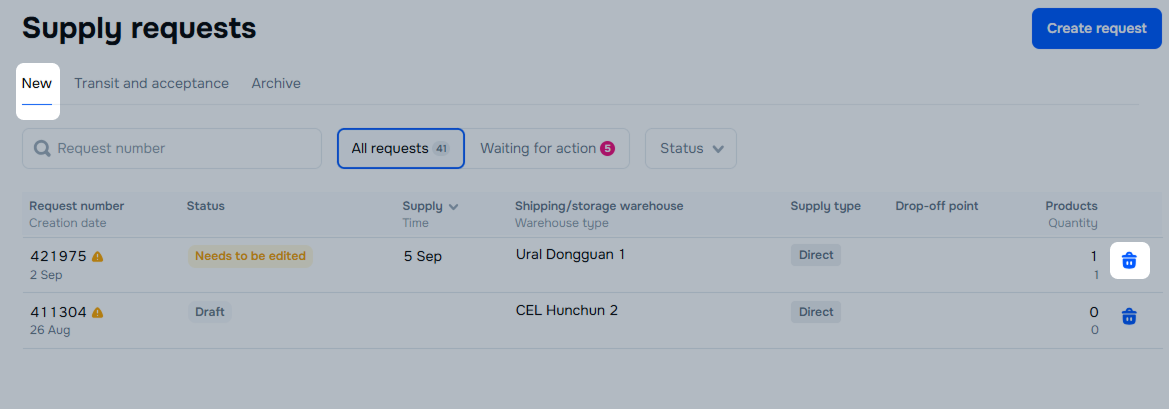
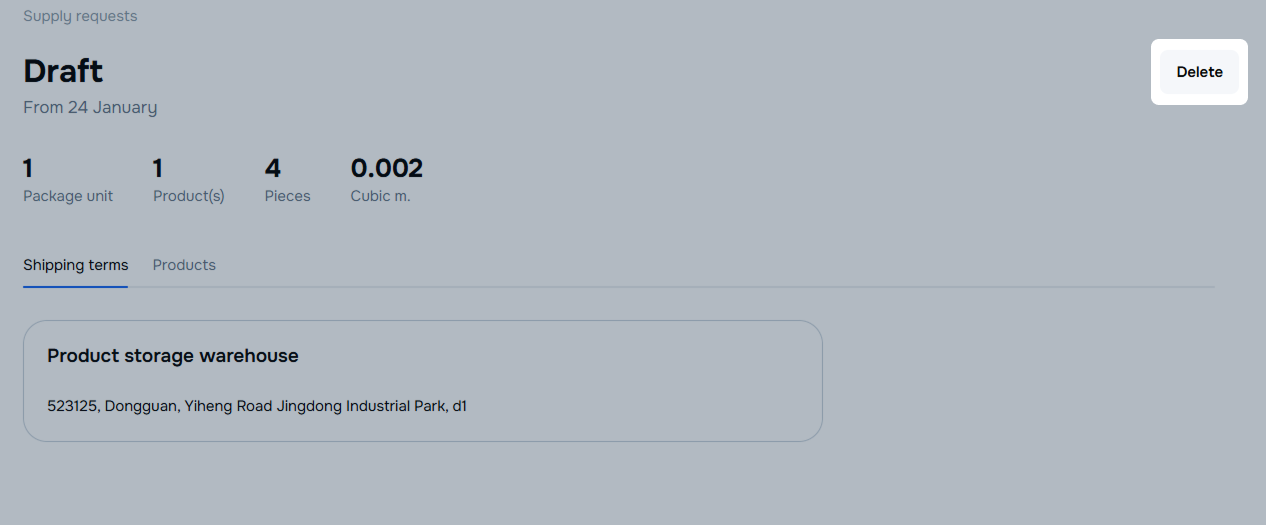
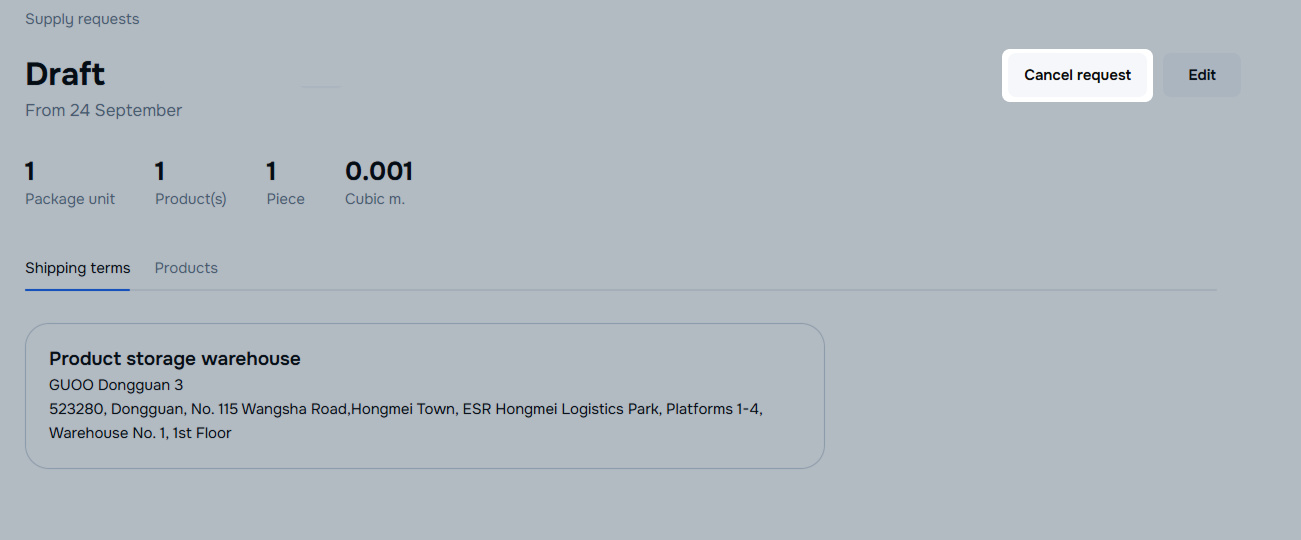
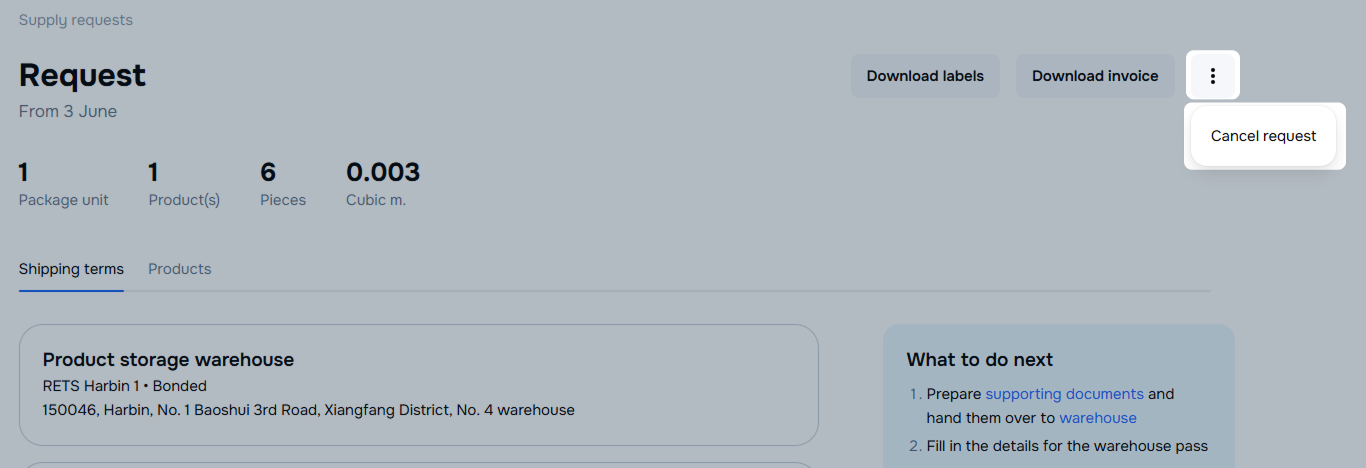
You can cancel requests with the following statuses:
Open the FBP → Supply requests section.
In the request row, click  .
.
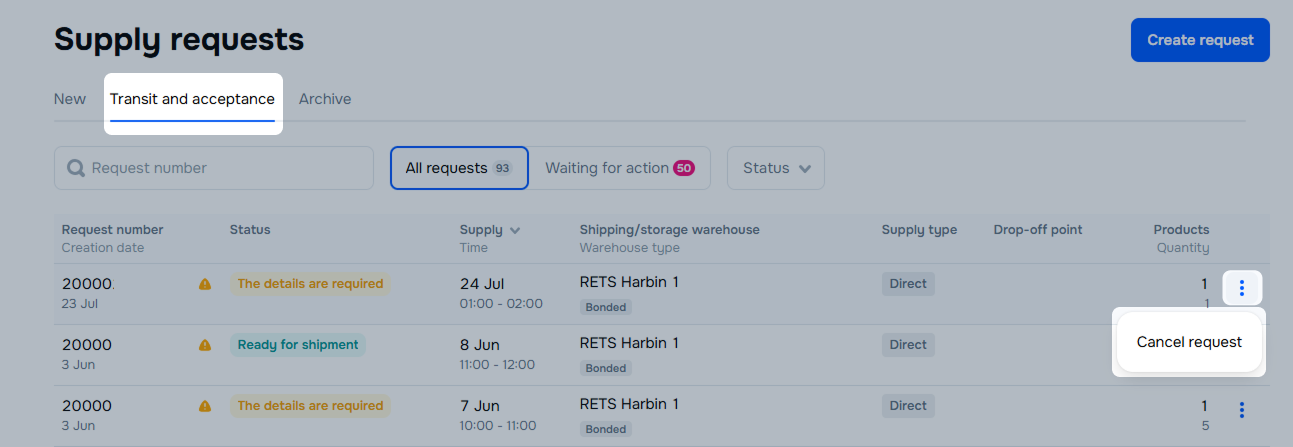
Open the FBP → Supply requests section.
In the request row, click  -> Cancel request.
The request is canceled and moves to the Archive tab.
Hide menu
Show menu
Выберите договор

Это база знаний для продавцов из стран СНГ и дальнего зарубежья.
Если ваша компания зарегистрирована в России, перейдите в базу знаний для продавцов из России.
Когда вы зарегистрировались на Ozon?
Условия работы и инструкции зависят от даты заключения договора — её можно посмотреть в разделе Договоры
Определили ваш договор
Он заключён с ООО «Интернет Решения». Если есть другой договор, сможете переключиться на него в боковом меню
