
Определили ваш договор
Он заключён с ООО «Интернет Решения». Если есть другой договор, сможете переключиться на него в боковом меню
The tool is running in test mode, so it may not be available to all sellers. You can check whether it’s available in your account.
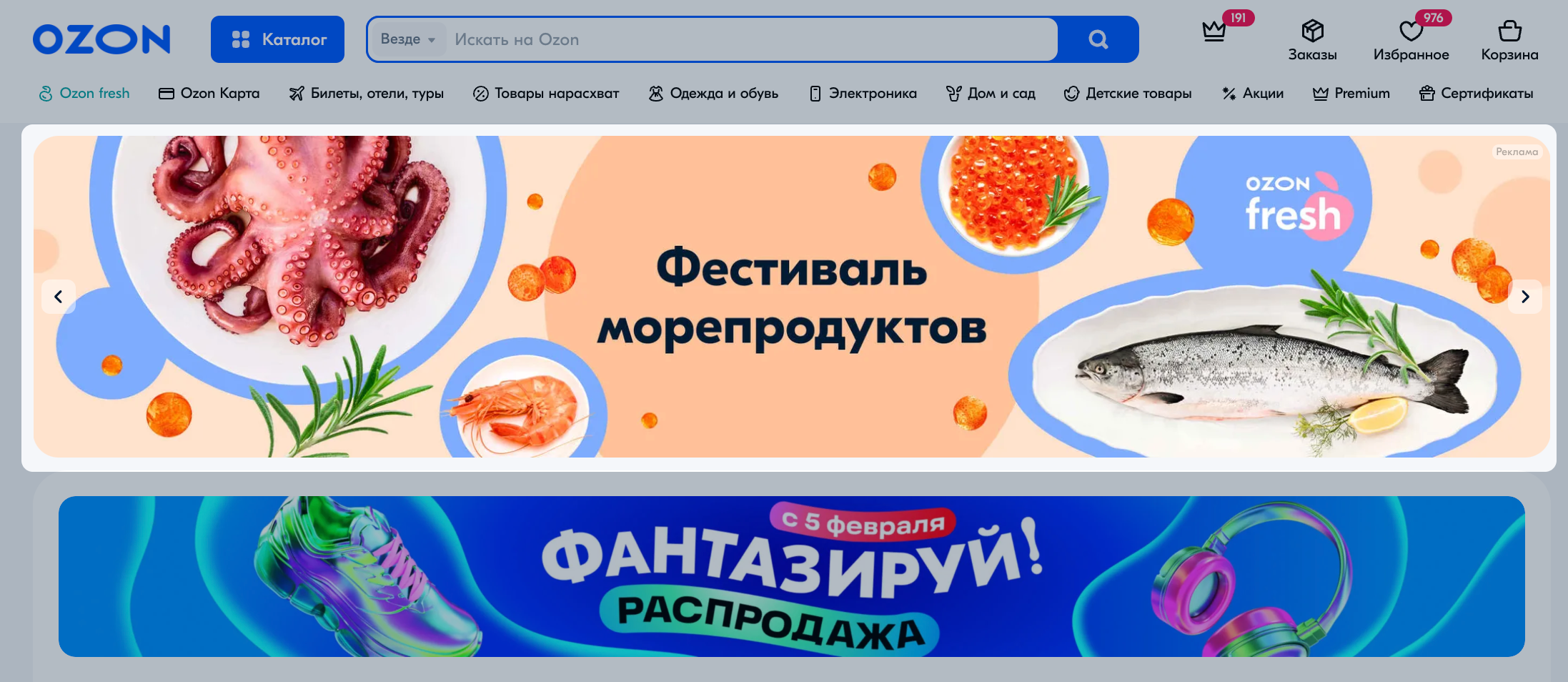
Display advertising is an outreach advertising format that attracts attention and evokes positive emotions in customers via images, video, and text.
With display advertising you can:
There are 4 display advertising formats:

| Minimum daily budget | Payment model | Placement on the website | Placement on the mobile website and in the app | |
|---|---|---|---|---|
| Banners | 1,000 RUB | Per impressions or per clicks | Main page: in the banner carousel under the search bar. | 1. Main page and search results: - under the search bar on the main page; - between 8 and 9 PDPs in the search results and categories. 2. Search results and catalog: categories pages of the 1, 2, and 3 levels. Customers reach these pages from a catalog or via a search query. |
| Video banners | 1,000 RUB | For visible impressions | Main page: in the banner carousel under the search bar. We select the placement automatically |
Main page: under the search bar and in the feed every 10 PDPs. We select the placement automatically |
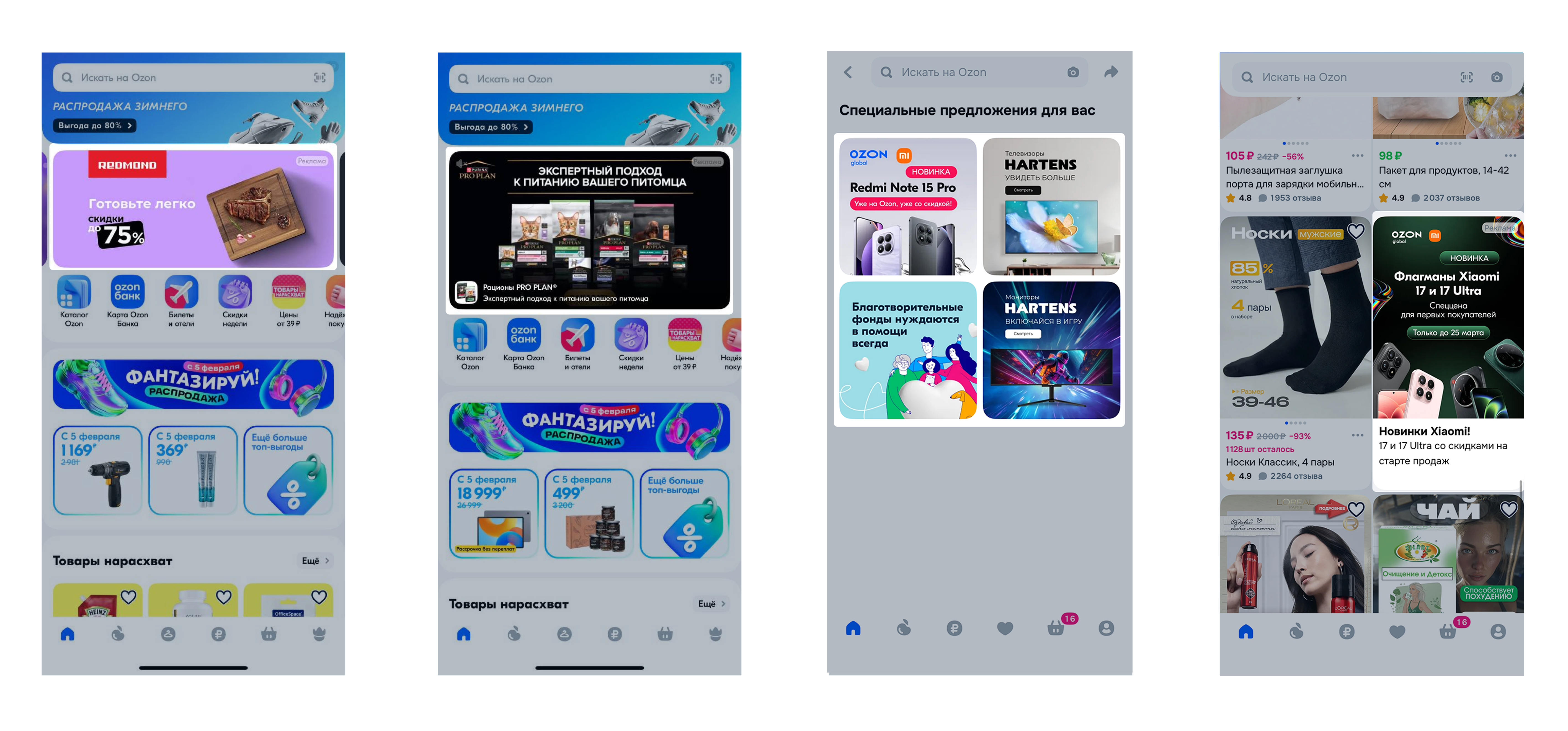
| Offerwall | 1,000 RUB | per impression | not placed | in the Special Offers for You section. This page features discounts and special offers from sellers that the customer sees immediately after placing an order. |
| Native banner | 1,000 RUB | per impression | not placed | display on the home screen of the Ozon mobile app in the product search results |
All advertising on the Internet must be marked according to the Federal Law “On Advertising”. Therefore, when launching display advertising, we automatically assign an ERID identifier to each banner, promo banner, and video banner, and then pass it to the Unified Register of Online Advertising.
Hide menu
Show menu
Выберите договор

Это база знаний для продавцов из стран СНГ и дальнего зарубежья.
Если ваша компания зарегистрирована в России, перейдите в базу знаний для продавцов из России.
Когда вы зарегистрировались на Ozon?
Условия работы и инструкции зависят от даты заключения договора — её можно посмотреть в разделе Договоры
Определили ваш договор
Он заключён с ООО «Интернет Решения». Если есть другой договор, сможете переключиться на него в боковом меню
