
Определили ваш договор
Он заключён с ООО «Интернет Решения». Если есть другой договор, сможете переключиться на него в боковом меню
There are several advantages to using online tables:
Open the Products → Add products → Via template section and select product category. It will be fine to add just the first two category levels.
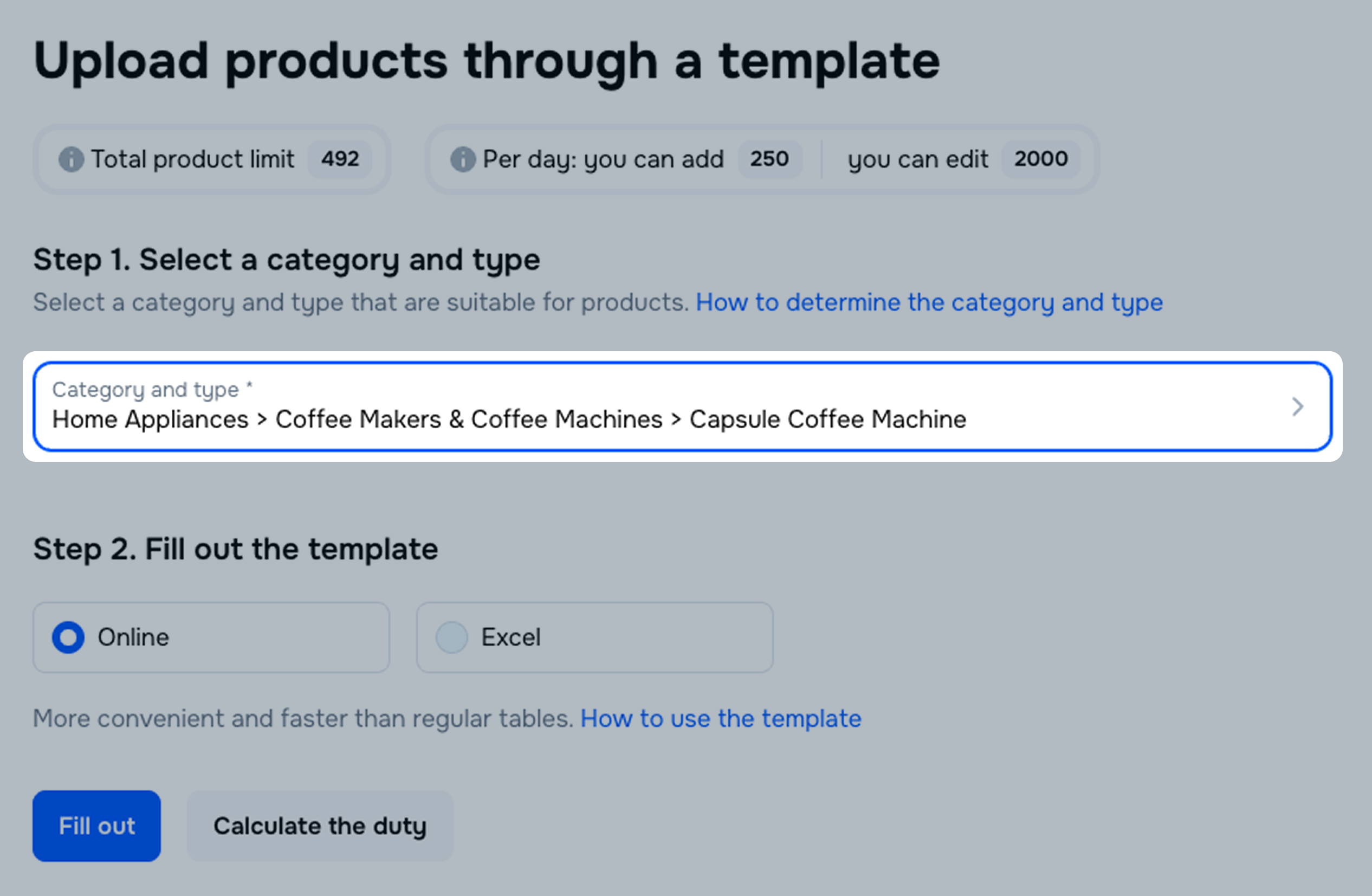
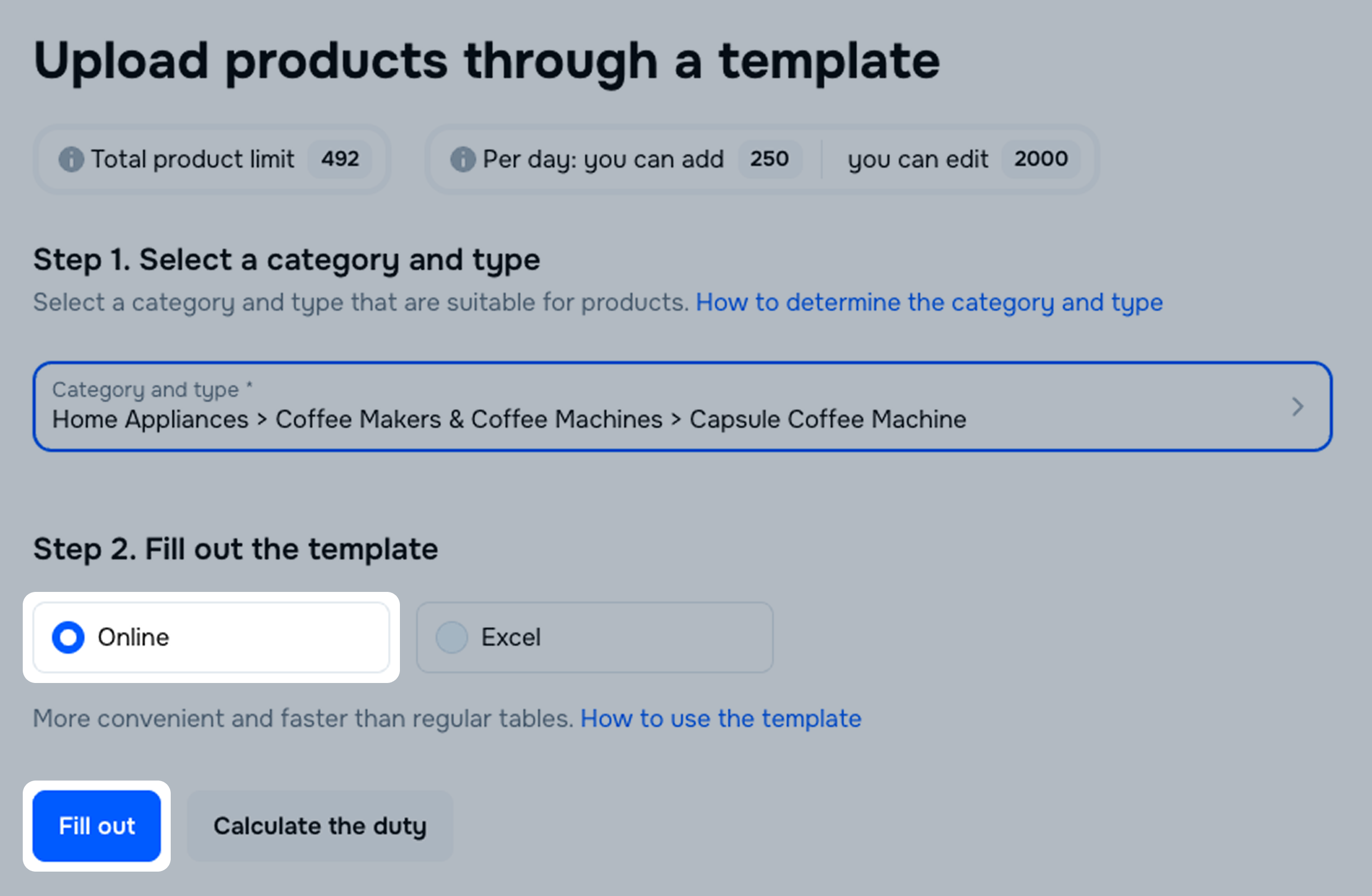
Select Online and click Fill out.
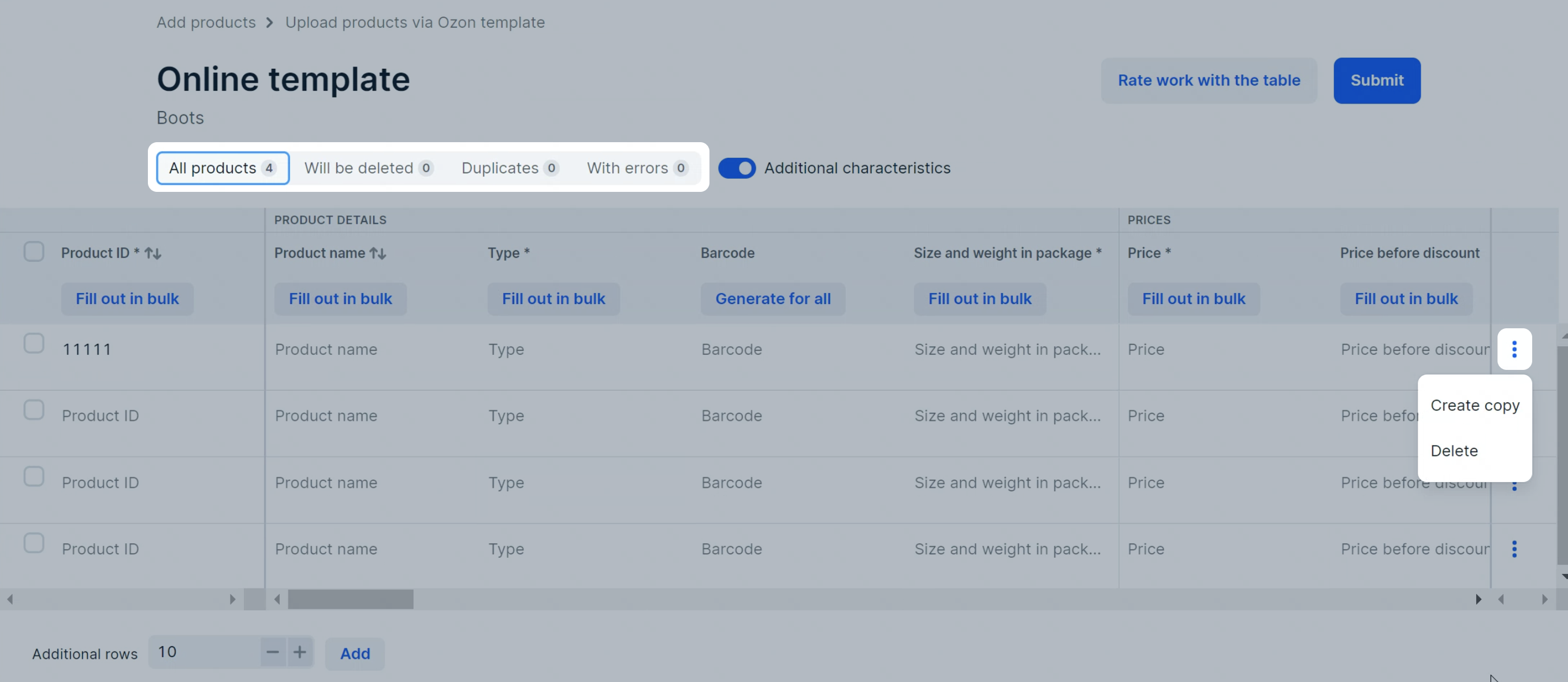
Fill out the template. In the cells, you can:
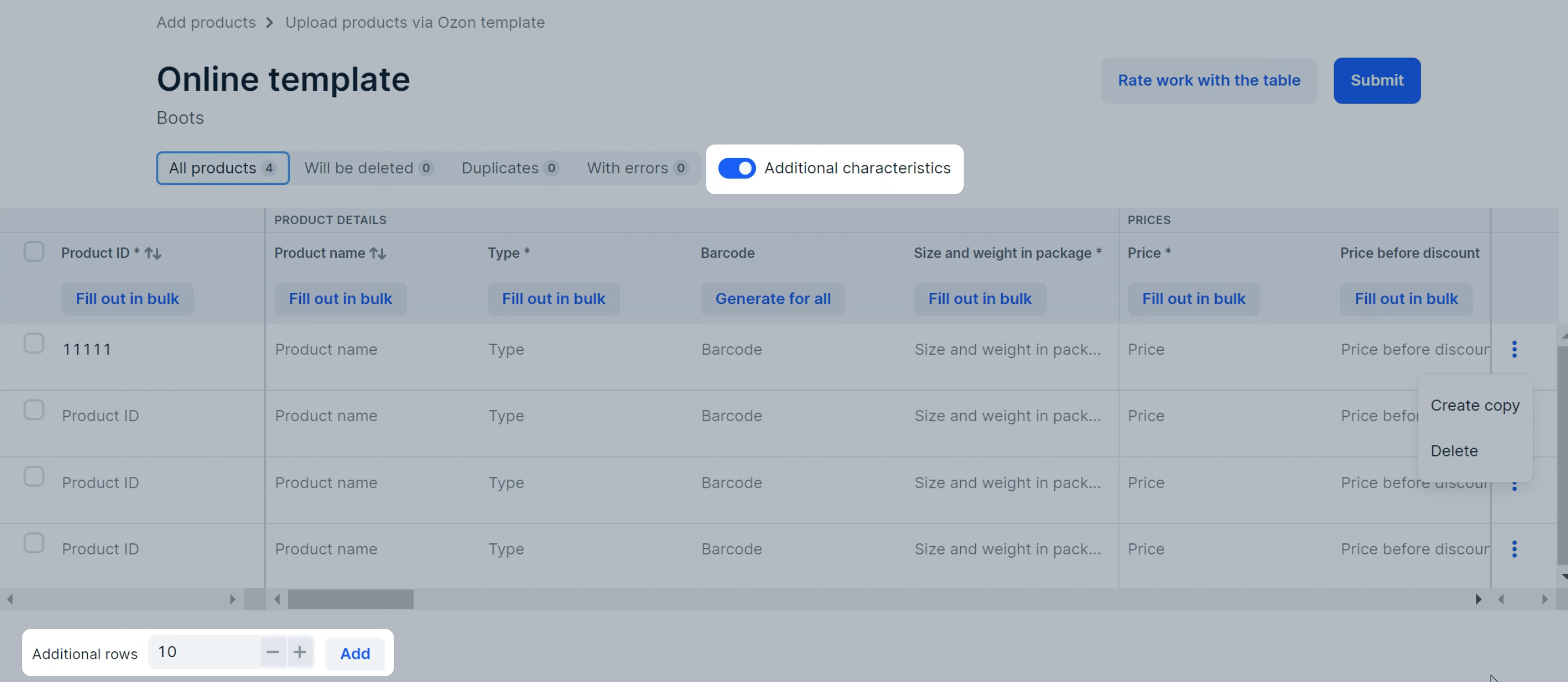
 and select Create copy or Delete.
To delete multiple rows at once, select them and click Delete rows.
They’ll move to the Will be deleted tab.
and select Create copy or Delete.
To delete multiple rows at once, select them and click Delete rows.
They’ll move to the Will be deleted tab.
If the brand isn’t on our list, you won’t be able to specify it. Leave a request to add the brand to our catalog: in the Products → Brand documents section specify its name and click Request to add a new brand.
Check the Duplicates and With errors tabs and correct them.
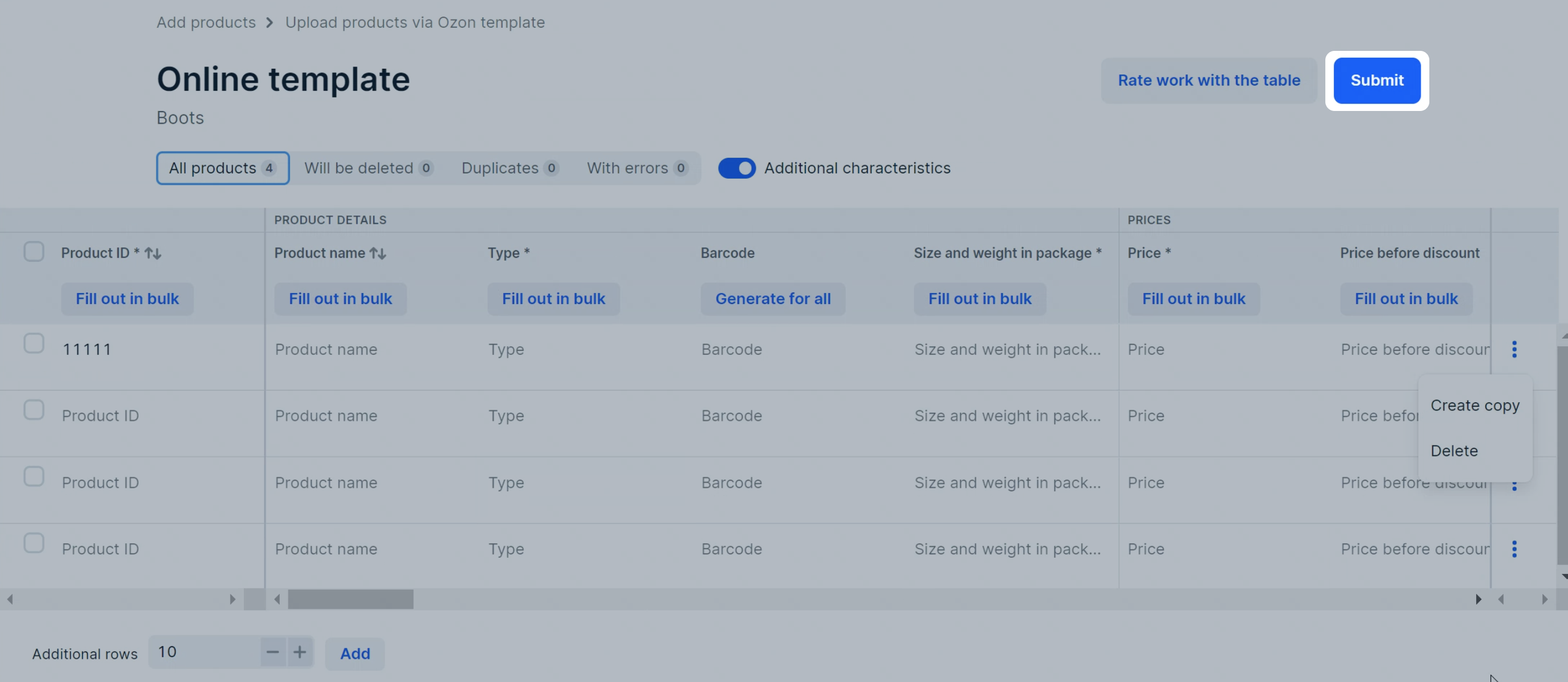
Click Submit. The template will be sent to moderation.
You can add rows or include additional characteristics that affect the product position in the Ozon search.
Once created, the products are automatically added to the campaign Expedited Review Collection for Your Products. To disable auto-adding of new products to the special offer, go to Products → Manage PDPs and disable Adding New Products to Expedited Review Collection for Your Products.
Learn more about Expedited Review Collection
To enable product promotion when creating or editing PDPs via online tables:
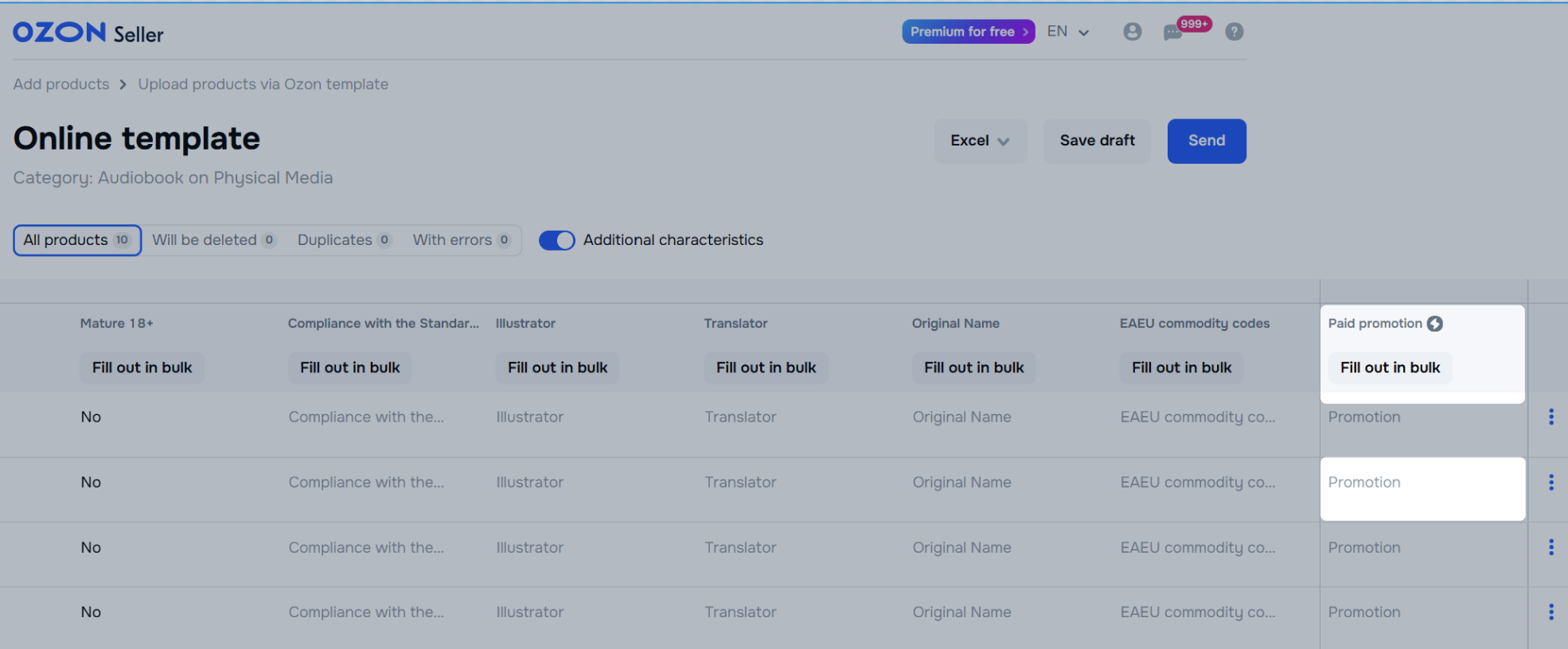
In the Paid promotion column click:
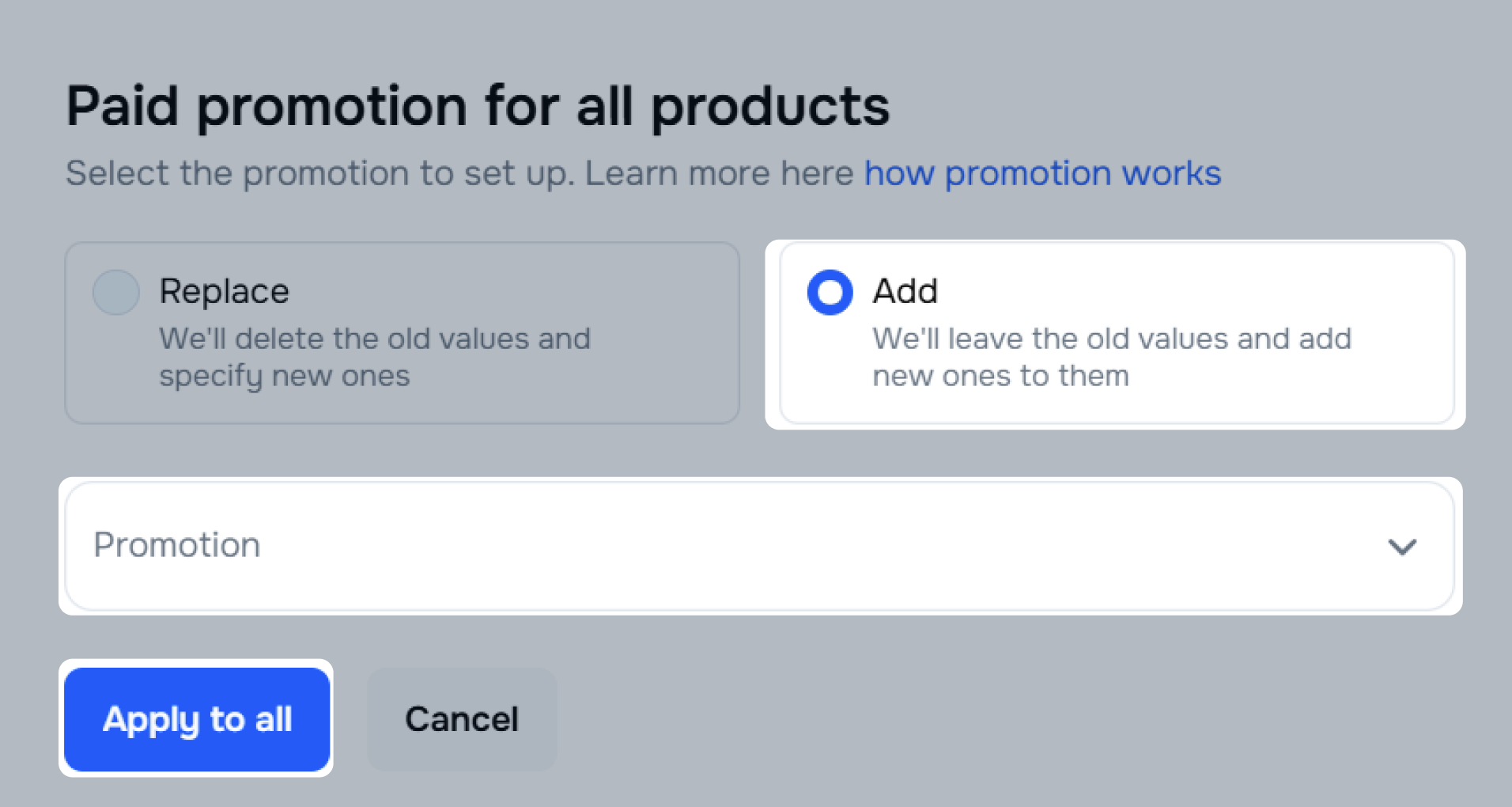
Click Add and select a promotion.
Click Apply to all.
To change the filled values or disable the promotion, click the product cell in the Paid promotion column and edit the values.
To see the error description, hover the cursor over the highlighted cell. The field may be empty or contain invalid characters.
In the Price, Weight, Width and Height fields we check that the value lies within a specific range. An error may occur if the value is too large or too small.
Rows with critical errors are highlighted in red. Correct them, otherwise the product won’t be uploaded to the website.
You can view a list of all the templates you’ve worked with via online tables in the Products → Add products → Via template section. On this list, you can track the history and status of online templates, draft expiration dates, edit uploaded products, and correct errors.
The table shows:
Depending on the status, you can submit, delete, or edit the template, or correct errors in it.
In the file row, click
 and select the necessary option.
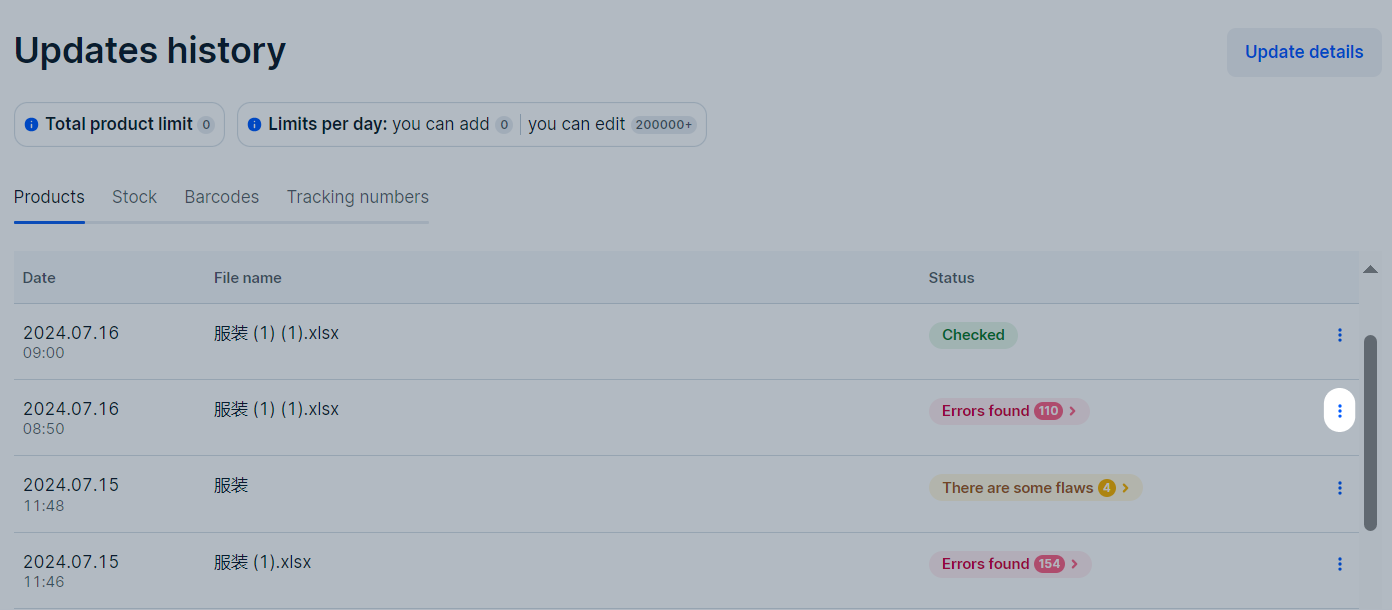
Files are stored in the Update history section:
Hide menu
Show menu
Выберите договор

Это база знаний для продавцов из стран СНГ и дальнего зарубежья.
Если ваша компания зарегистрирована в России, перейдите в базу знаний для продавцов из России.
Когда вы зарегистрировались на Ozon?
Условия работы и инструкции зависят от даты заключения договора — её можно посмотреть в разделе Договоры
Определили ваш договор
Он заключён с ООО «Интернет Решения». Если есть другой договор, сможете переключиться на него в боковом меню
