
Определили ваш договор
Он заключён с ООО «Интернет Решения». Если есть другой договор, сможете переключиться на него в боковом меню
Available with the “Review management” or “Premium Pro” subscriptions from April 1, 2026.
To react to customer reviews faster, generate ready-made replies. The AI suggests a reply based on the review rating, text, and tone. The reply doesn’t contain any marks indicating it was created by the AI.
To generate a reply:
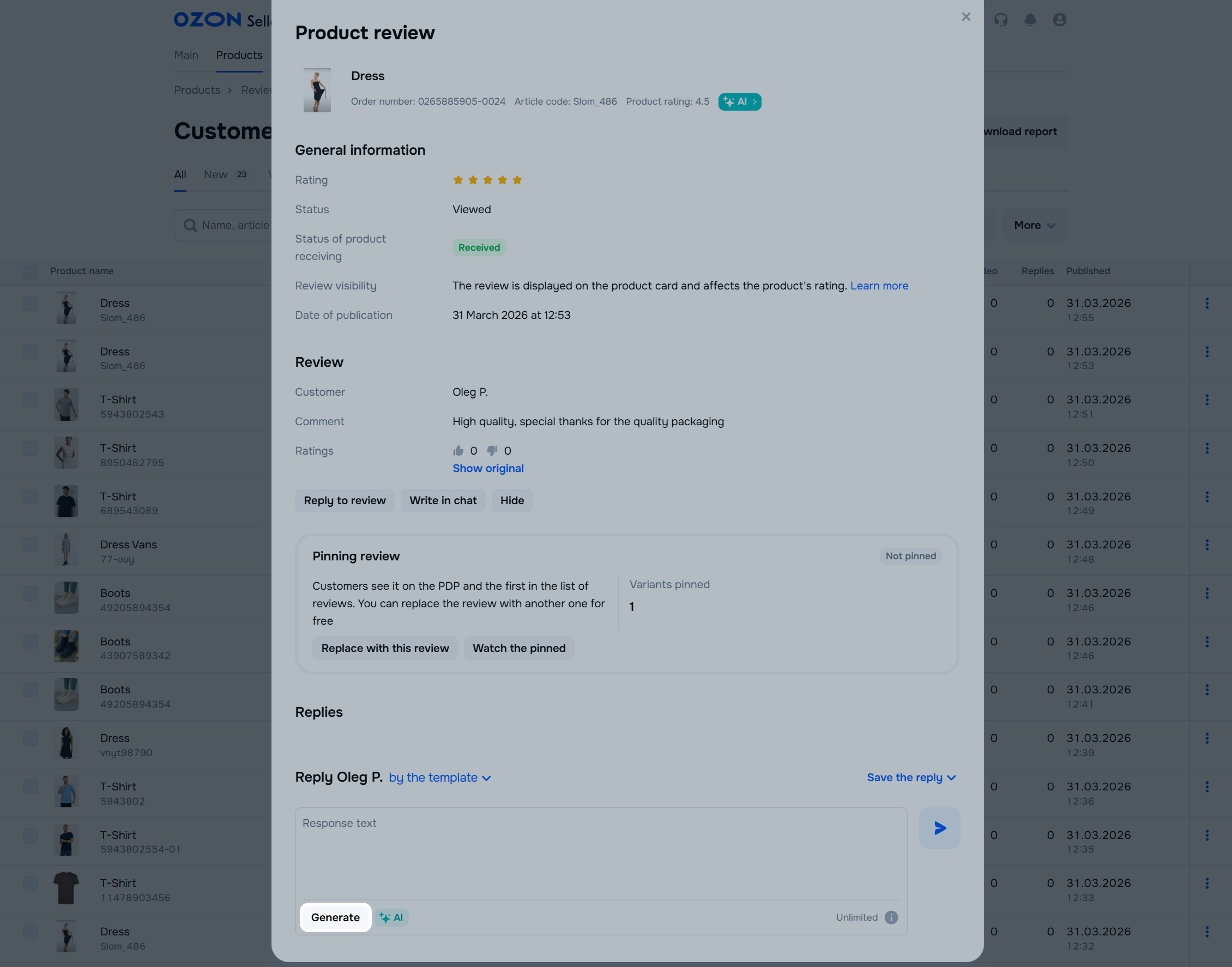
In the Products → Customer reviews section, find and open the review.
In the reply field, click Generate. The ready-made text appears. You can edit or add to it.
For the service to work correctly, use only simplified characters in the reply text. Otherwise, an error may occur.
If you want to see other options, click Generate again. To switch between options, click the arrow.
You can rate the generated options. This helps to improve responses.
You can only edit or delete your own comment on a review. You can’t delete the review itself or someone else’s message.
In the Products → Reviews → Customer reviews section, find the review you replied to by product name or SKU.
Click on the review text: you see the detailed product information and customer name.
If the reply hasn’t passed moderation yet, click:
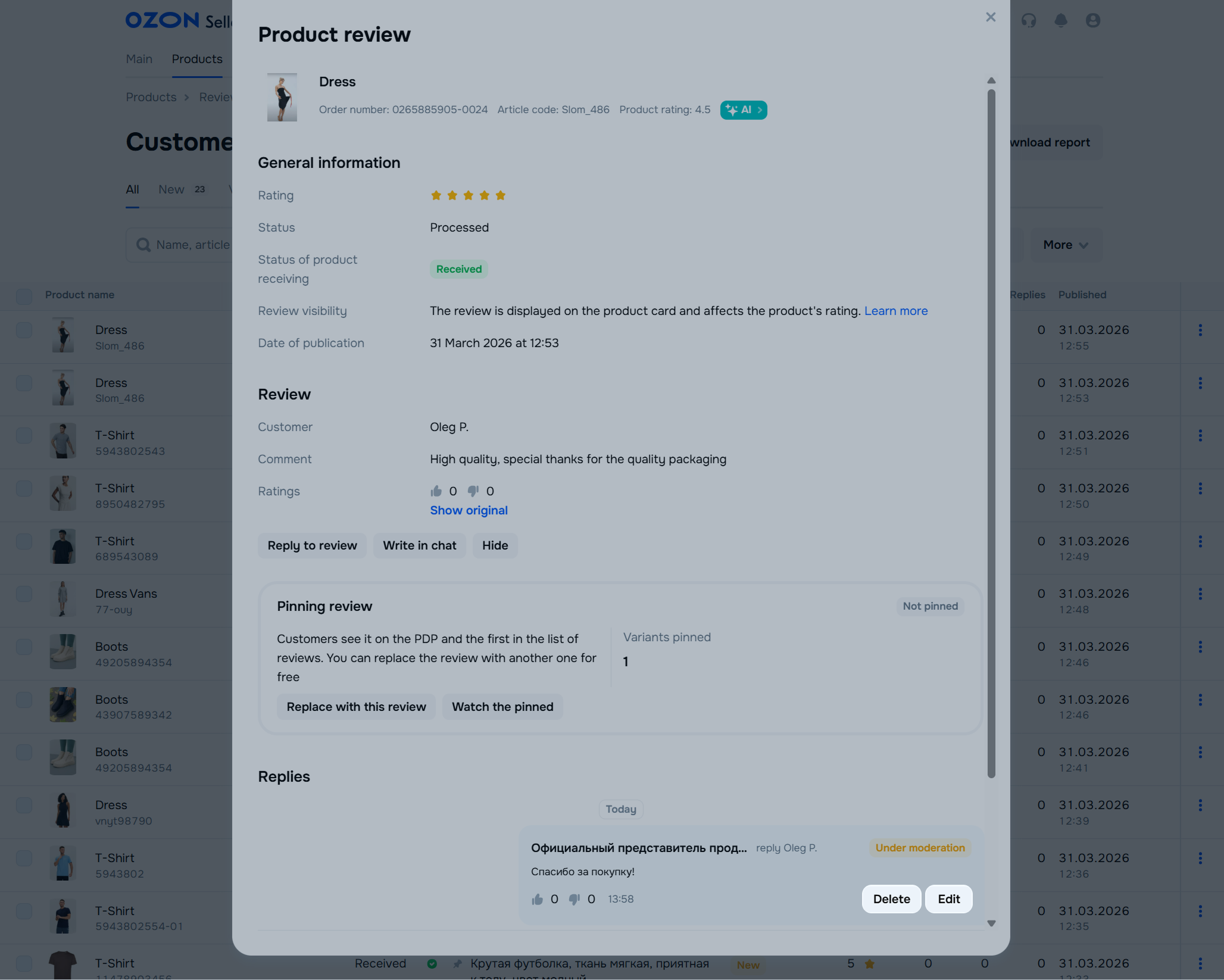
If the reply is already published, click:
 → Edit: to edit the reply. → Delete reply: to delete the reply.
The edited reply goes for re-moderation. After publishing, the customer sees the date the reply was modified.
Hide menu
Show menu
Выберите договор

Это база знаний для продавцов из стран СНГ и дальнего зарубежья.
Если ваша компания зарегистрирована в России, перейдите в базу знаний для продавцов из России.
Когда вы зарегистрировались на Ozon?
Условия работы и инструкции зависят от даты заключения договора — её можно посмотреть в разделе Договоры
Определили ваш договор
Он заключён с ООО «Интернет Решения». Если есть другой договор, сможете переключиться на него в боковом меню
