
Определили ваш договор
Он заключён с ООО «Интернет Решения». Если есть другой договор, сможете переключиться на него в боковом меню
You can change the settings for manually created campaigns at any time. To do this:
To specify the number of reviews and rates for specific products:
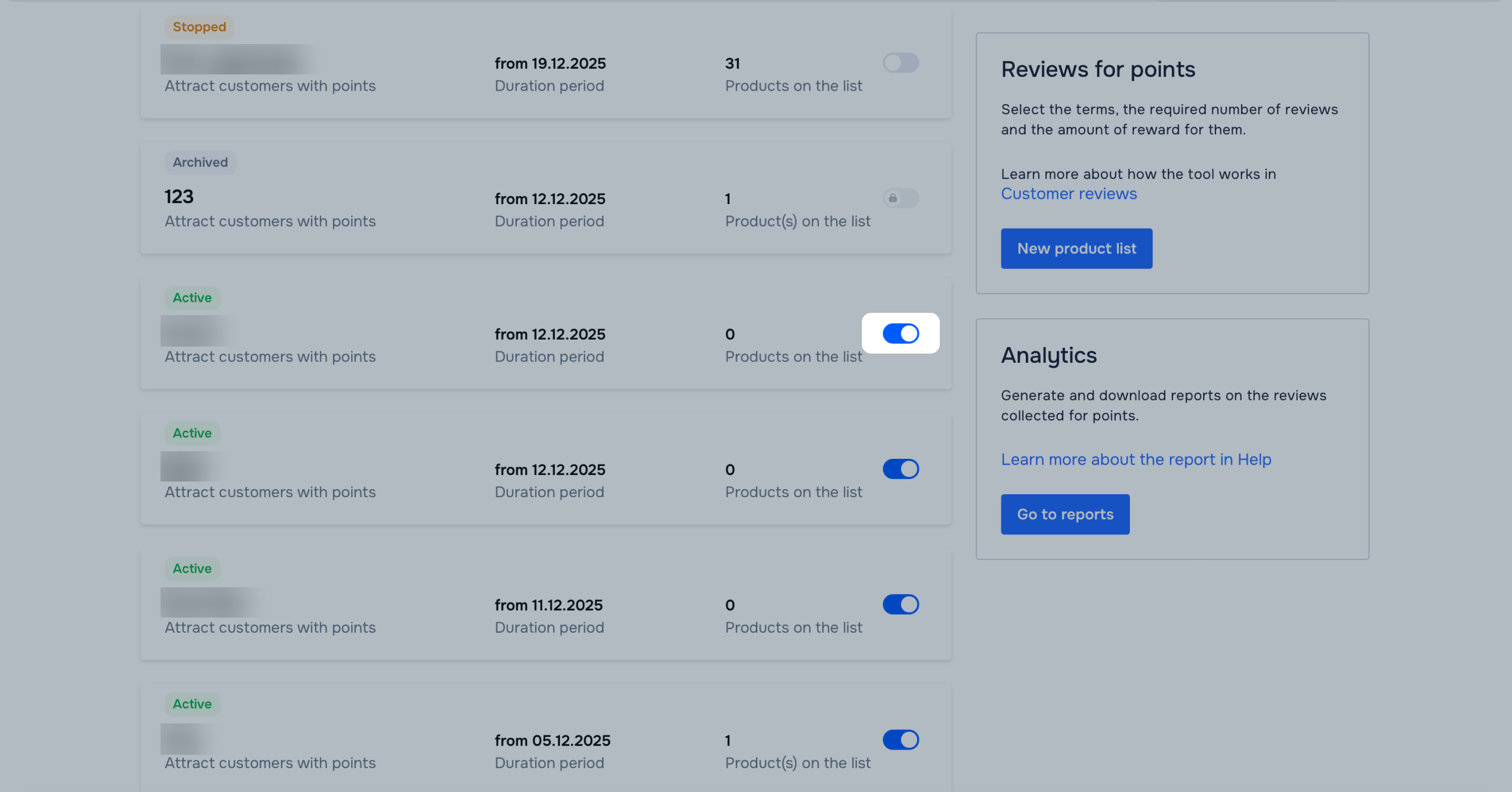
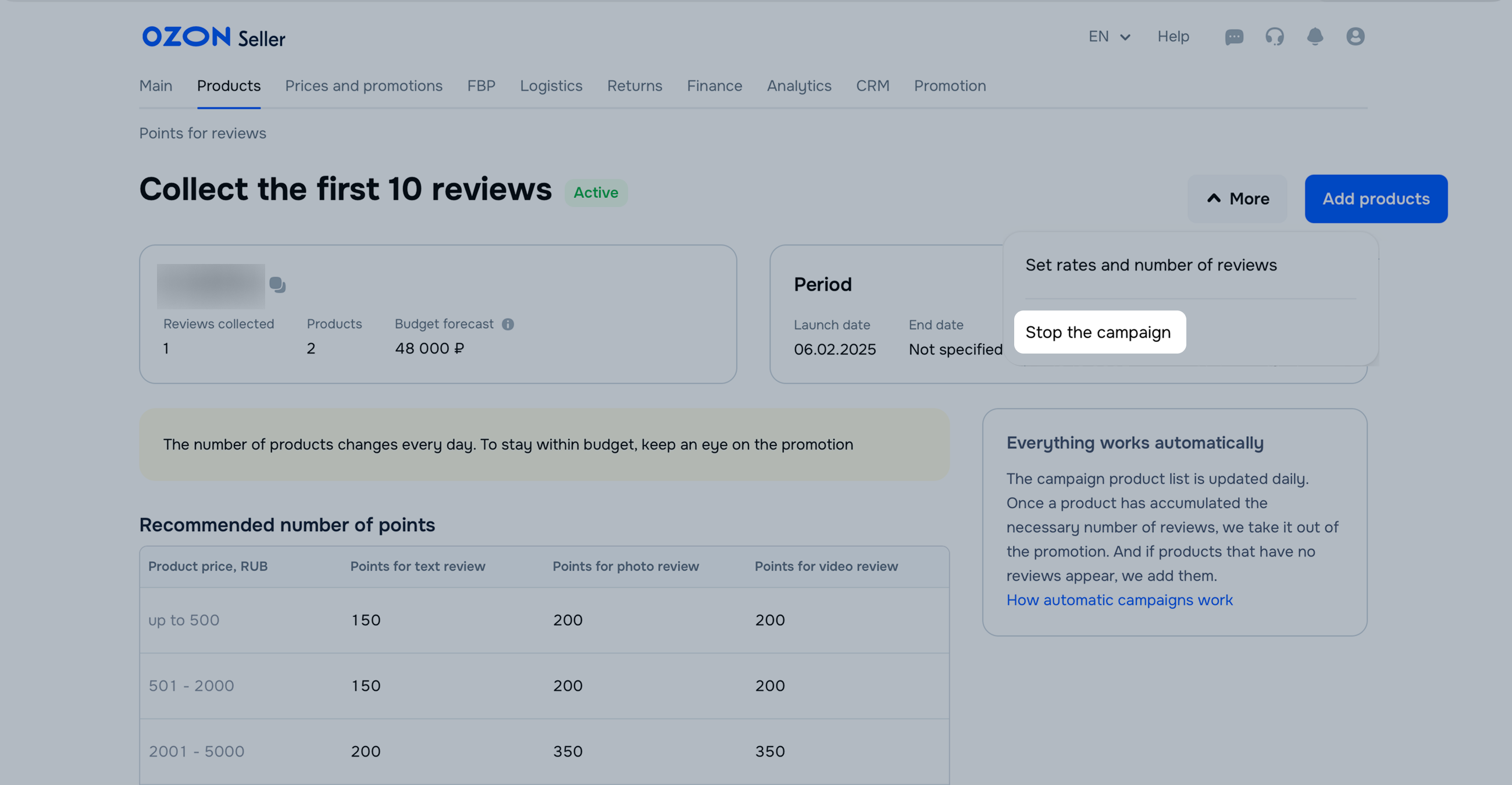
You can’t disable the “Reviews for points for your products” campaign. However, you can remove all products from it. To do this:
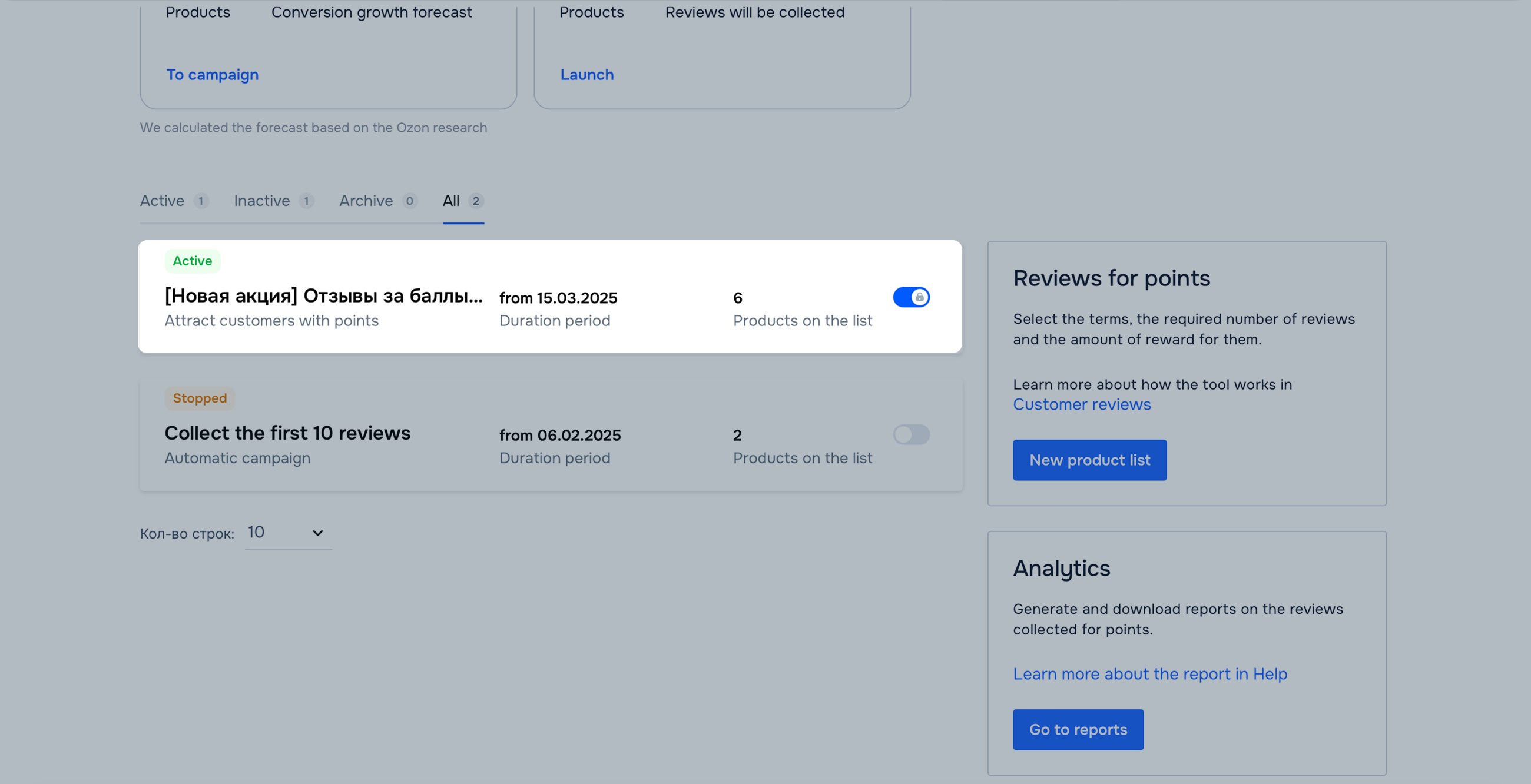
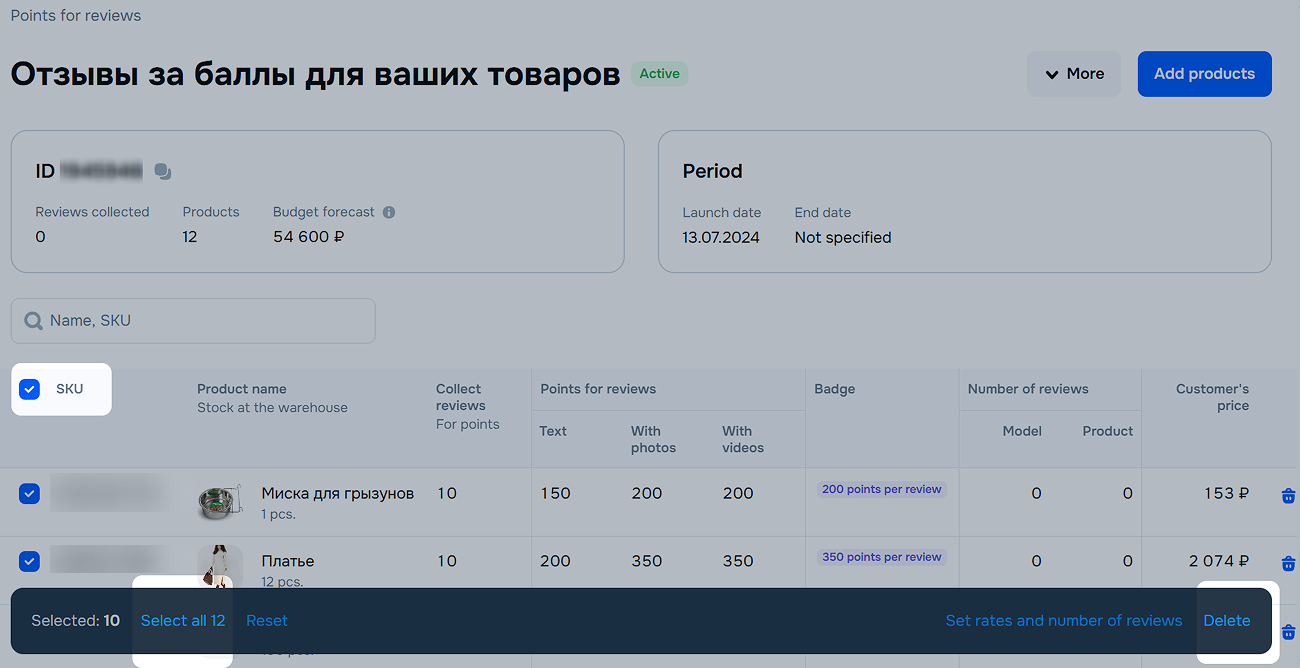
After that, the badge with points disappears from the products. If customers bought the products before you disabled the campaign and then left reviews within five days after pick-up, they receive points. In this case, we charge you for the inactive campaign for a few more days.
Example
A customer saw a product with the badge and placed an order on August 17. You disabled the campaign on August 18. If the customer received the product on August 20 and left a review on August 24, they receive points. In this case, less than 5 days passed since product pick-up, and it still participates in the campaign. We charge you for the points accrued to the customer and the Ozon commission of 20% of the points value.
Hide menu
Show menu
Выберите договор

Это база знаний для продавцов из стран СНГ и дальнего зарубежья.
Если ваша компания зарегистрирована в России, перейдите в базу знаний для продавцов из России.
Когда вы зарегистрировались на Ozon?
Условия работы и инструкции зависят от даты заключения договора — её можно посмотреть в разделе Договоры
Определили ваш договор
Он заключён с ООО «Интернет Решения». Если есть другой договор, сможете переключиться на него в боковом меню
