
Определили ваш договор
Он заключён с ООО «Интернет Решения». Если есть другой договор, сможете переключиться на него в боковом меню
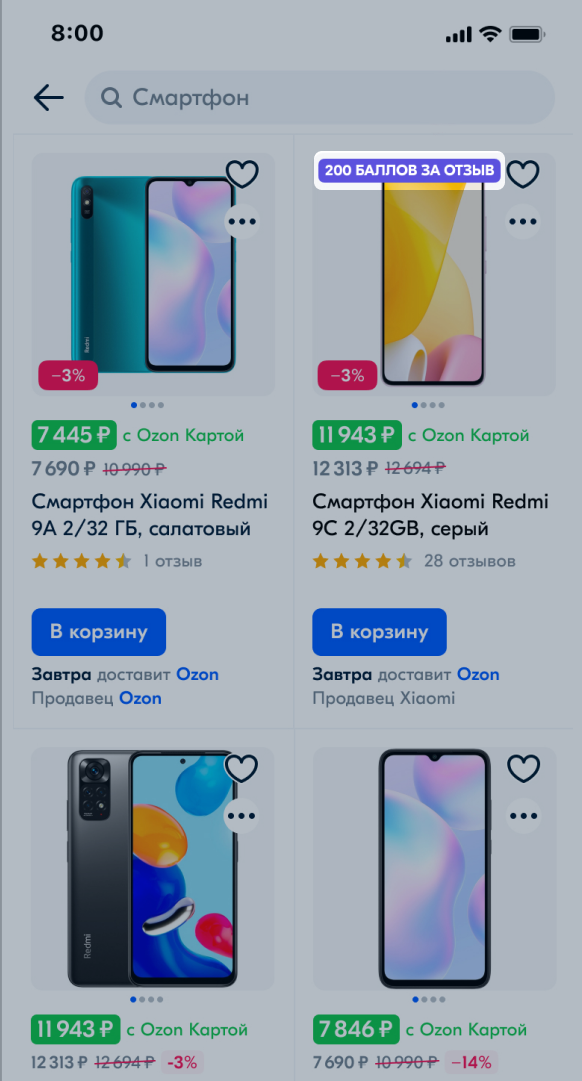
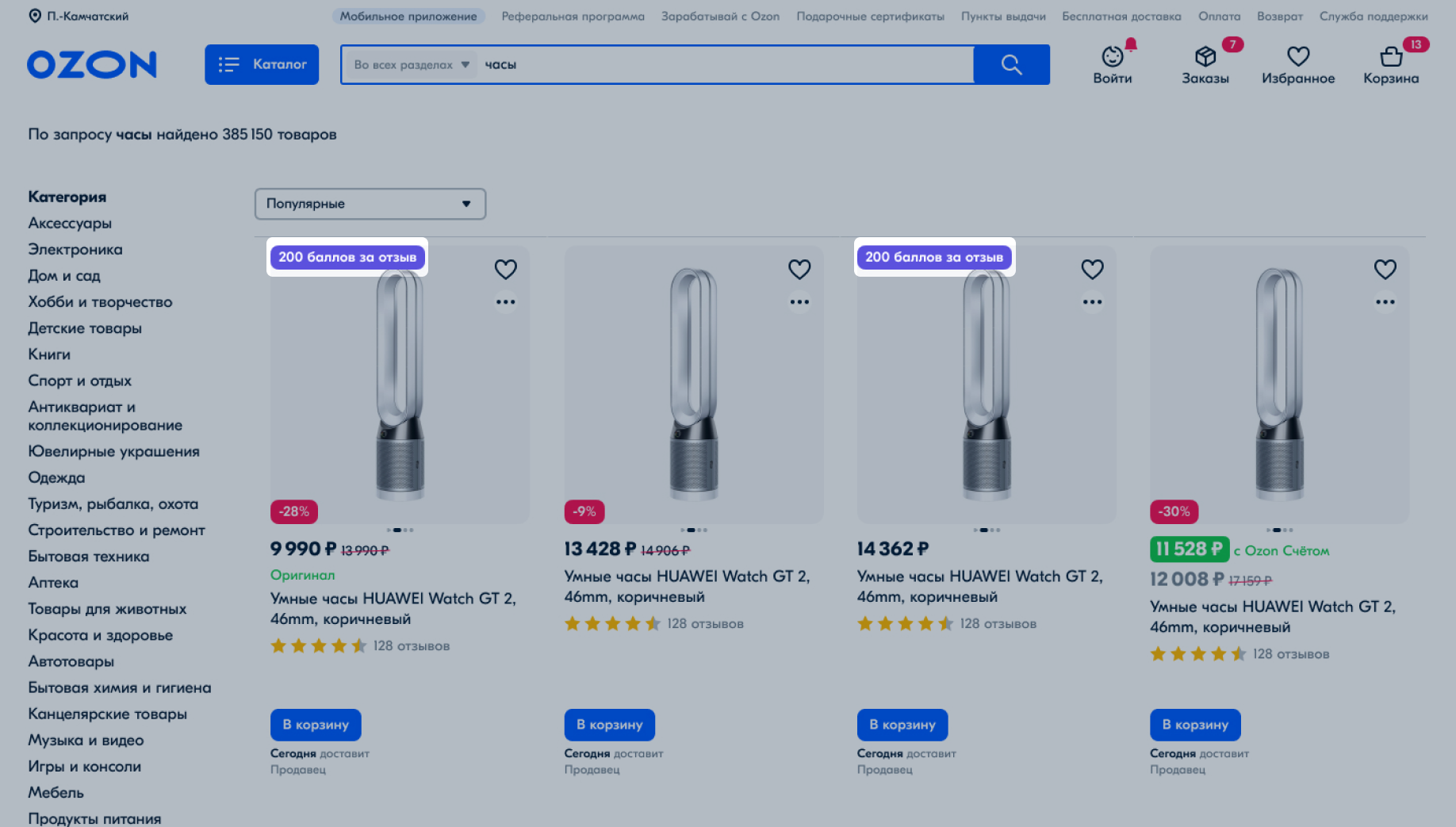
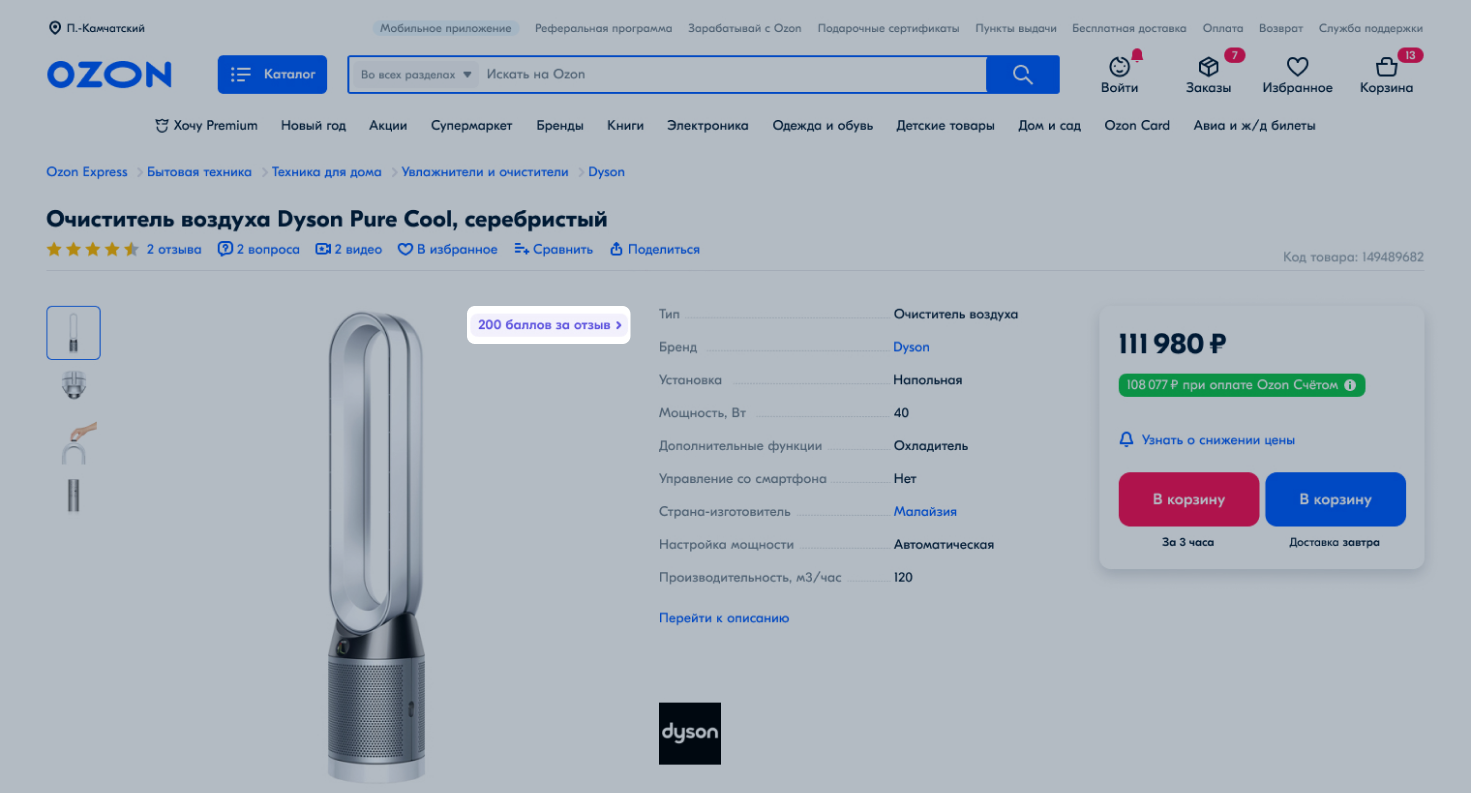
Ozon adds a special badge on all products. It’s displayed in the search results and on the PDPs. The badge shows the number of points customers can get for a product review.
Select the campaign type:
Customers can leave a review within 5 days after receiving their product. 14 days after leaving a review, they receive points they can use for future purchases on Ozon. Customers that rarely cancel orders may receive points sooner.
All reviews must pass moderation. If they don’t meet the rules, we can remove them from publication.
How we calculate the amount to be paid for points
We add your products to automatic selections that:
The Collect the first 10 reviews automatic selection is suitable for increasing the number of product reviews. If your product has 7 reviews, the campaign collects another 3. For a PDP with no reviews it collects all 10.
We automatically add products that haven’t had new reviews in the last 14 days to the I haven’t had a review in a while campaign.
Products that are included in these campaigns can’t be removed from them. We remove the product from the Collect the first 10 reviews selection as soon as it gets 10 reviews. The same applies to the I haven’t had a review in a while selection when the product receives 10 new reviews.
You can’t limit the budget of an automatic campaign. Before the campaign starts, we’ll show you a spending forecast: if the amount is too big, you can stop the campaign manually when you spend the amount you planned. If you stop the campaign, the review offers will stop appearing to customers at 00:01 Moscow time the next day.
This solution is suitable for products you want to promote. You yourself make a list of items for which you want to collect reviews, their number, and campaign period. You can change the rates or set your own, but they can’t be less than the minimal ones.
Learn more about the “Attract customers with reviews for points” campaign
You can disable the campaign at any time. After that, the badge disappears from the products. If customers leave product reviews within 5 days after pick-up and before the campaign is disabled, they receive points. They can spend these points later on Ozon.
Learn more about disabling the campaign
The badge may not be displayed if the product participates in promotions, for example, global Ozon promotions.
Badge in search results
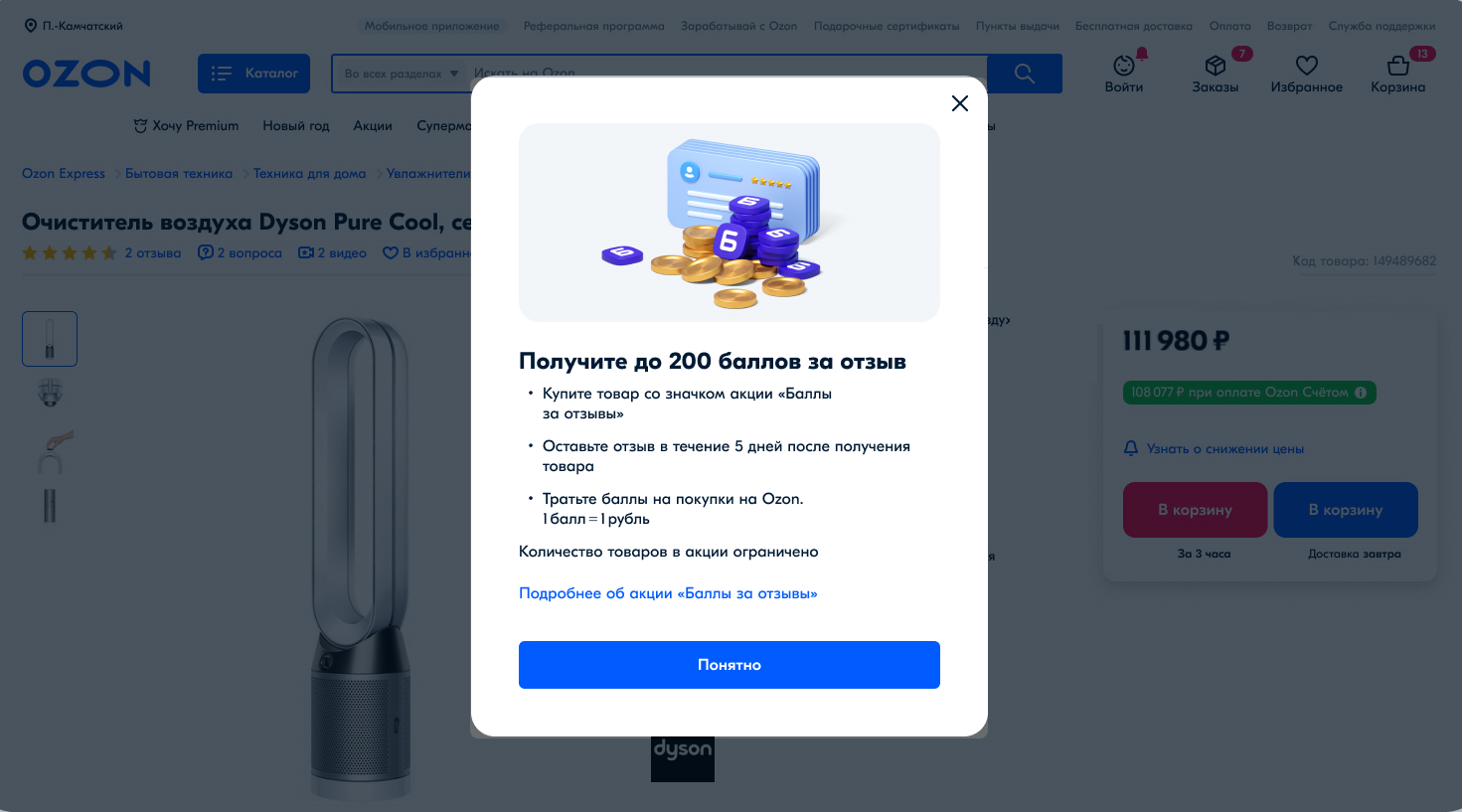
Badge with the campaign terms in the PDP
You can analyze campaign effectiveness with report data:
The report doesn’t contain order numbers and review dates.
To get the report:
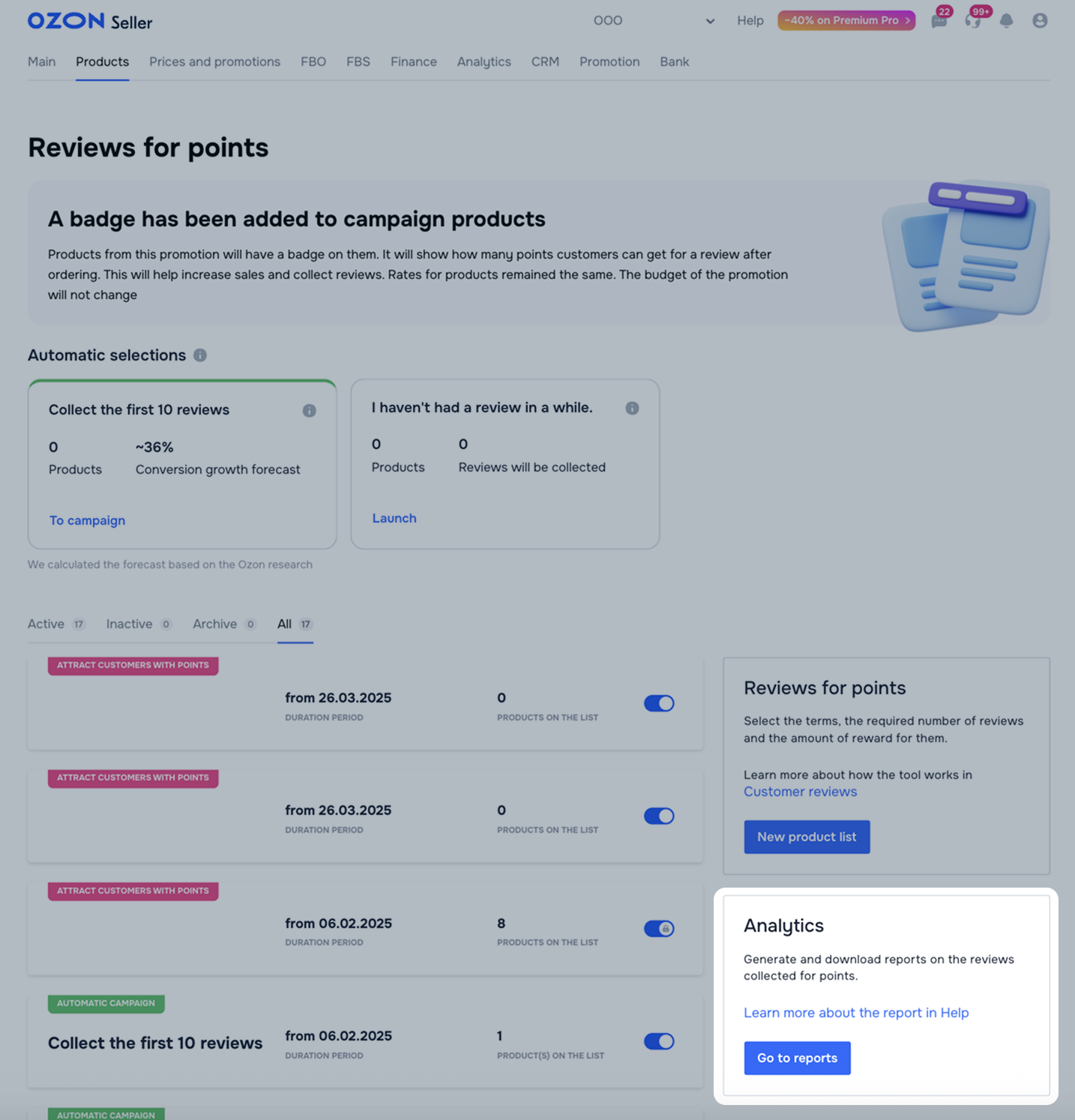
Open the Products → Reviews for points section and in the Analytics block, click Go to reports.
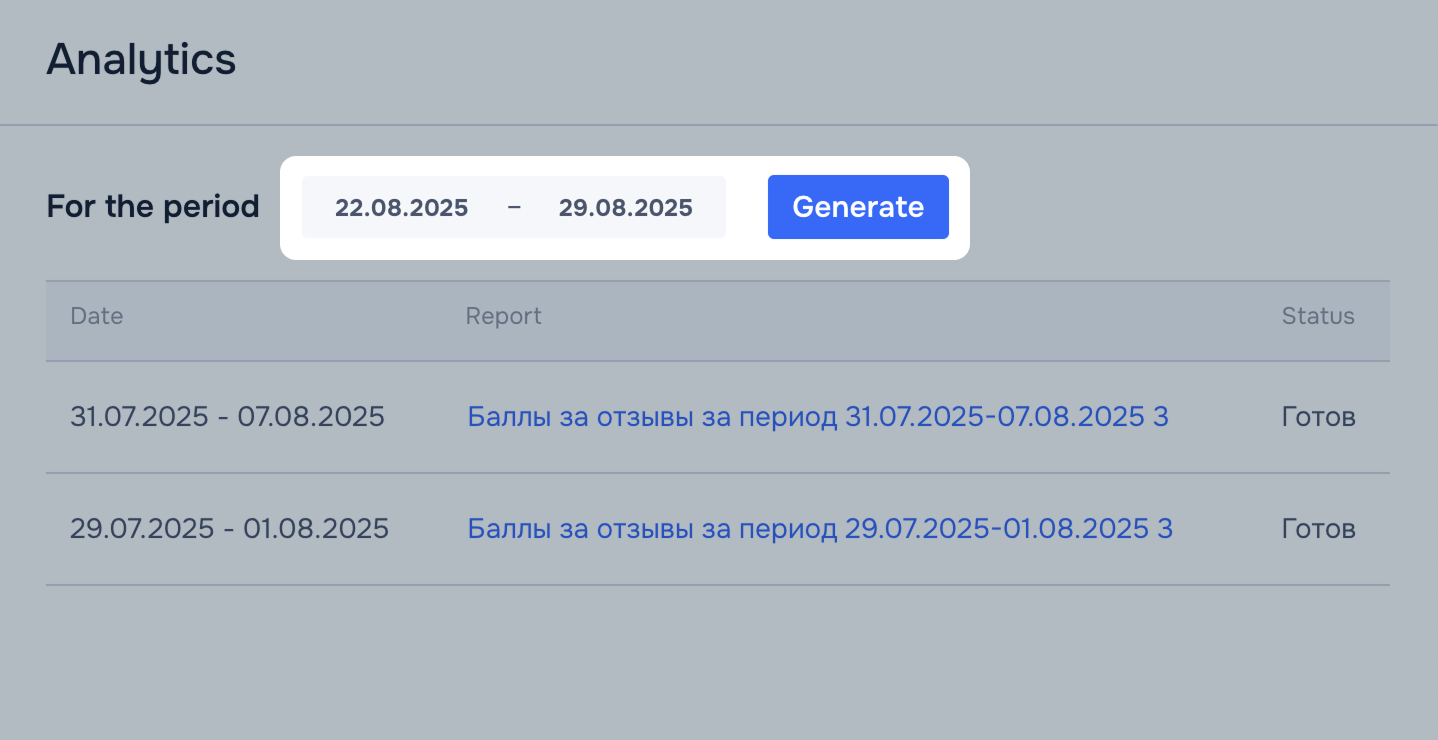
Choose the report time period and click Generate. We form the report within 24 hours.
If an error occurs, create the report again or contact us via chat: Promotion and promotions → Promotion → Marketing tools → Reviews for points.
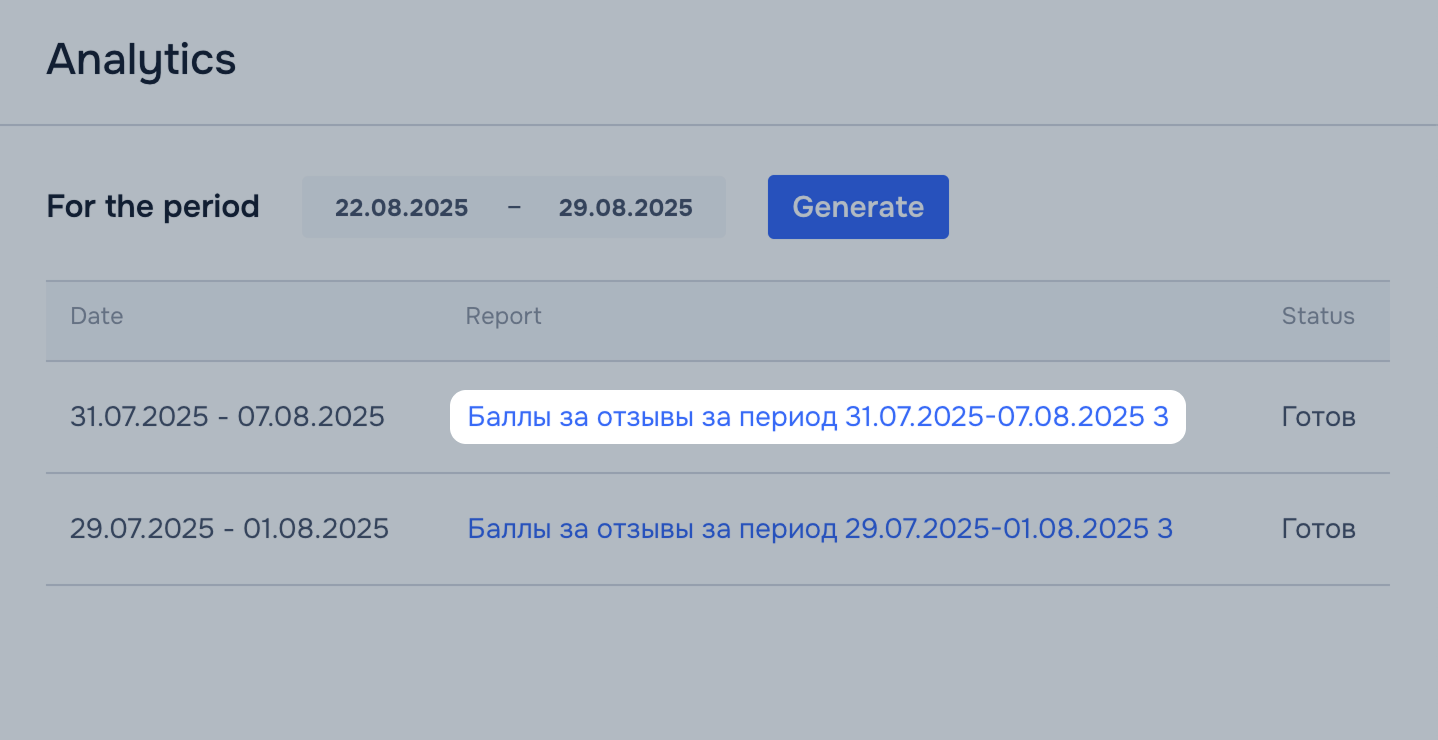
When the report is ready, you get a notification with a link. Click it to download the XLS report. You can also download the report in the Analytics block by clicking the report name.
You aren’t allowed to place review contents on external websites and other resources.
You are charged the amount for the points paid to the customer (1 point = 1 RUB) and the Ozon referral fee in the amount of 20% of the total points. It’s shown in the monthly completion report.
Example
You specify points for reviews for a product:
The product receives:
Total number of points paid in RUB:
5 × 100 (points paid for text reviews) + 4 × 150 (points paid for reviews with photos) + 3 × 150 (points paid for reviews with videos) = 1,550 RUB
Cost of the service:
1,550 RUB (total number of points paid in RUB) + 310 RUB (20% Ozon referral fee of the points amount) = 1,860 RUB
You can see the expenses on the tool for the calculation period:
We update the data daily.
If the customer contacts you with questions about the “Points for reviews” campaign via the seller chat, advise them to write to Ozon support chat.
Possible reasons:
If you have a lot of orders and relevant rate, but customers still leave few reviews, you can boost sales. For example, with promotions.
Hide menu
Show menu
Выберите договор

Это база знаний для продавцов из стран СНГ и дальнего зарубежья.
Если ваша компания зарегистрирована в России, перейдите в базу знаний для продавцов из России.
Когда вы зарегистрировались на Ozon?
Условия работы и инструкции зависят от даты заключения договора — её можно посмотреть в разделе Договоры
Определили ваш договор
Он заключён с ООО «Интернет Решения». Если есть другой договор, сможете переключиться на него в боковом меню
