
Определили ваш договор
Он заключён с ООО «Интернет Решения». Если есть другой договор, сможете переключиться на него в боковом меню
You can set up an auto-reply for customer chats that will be sent during the store off-hours. Days off and off-hours are specified by you. If you work from 10:00 to 20:00, and the customer writes at 23:00, they will receive an automatic message.
In the top right corner, click Messages → Customers.
Open Settings.
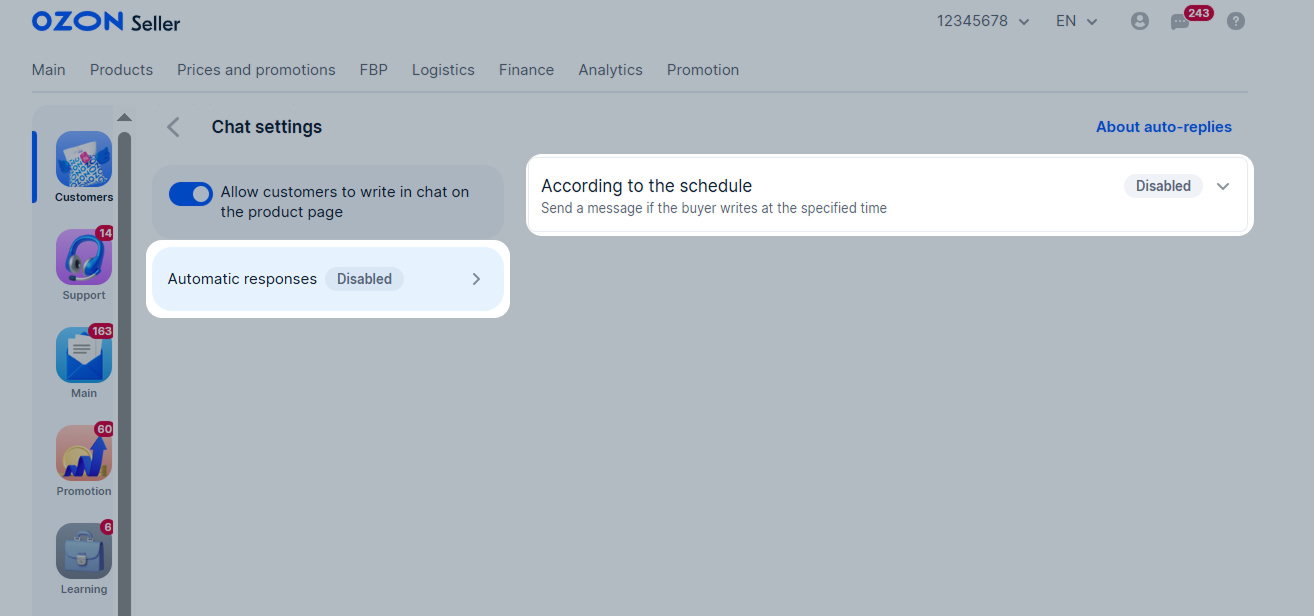
Click Automatic Replies → Scheduled.
Select the days of the week and the time for sending an automatic reply. If you leave the Day of the Week field empty, Saturday and Sunday will be selected by default, and if you don’t fill in the Time field, the time from 08:00 to 20:00 will be indicated.
To ensure that automatic messages are sent correctly, please specify your time zone.
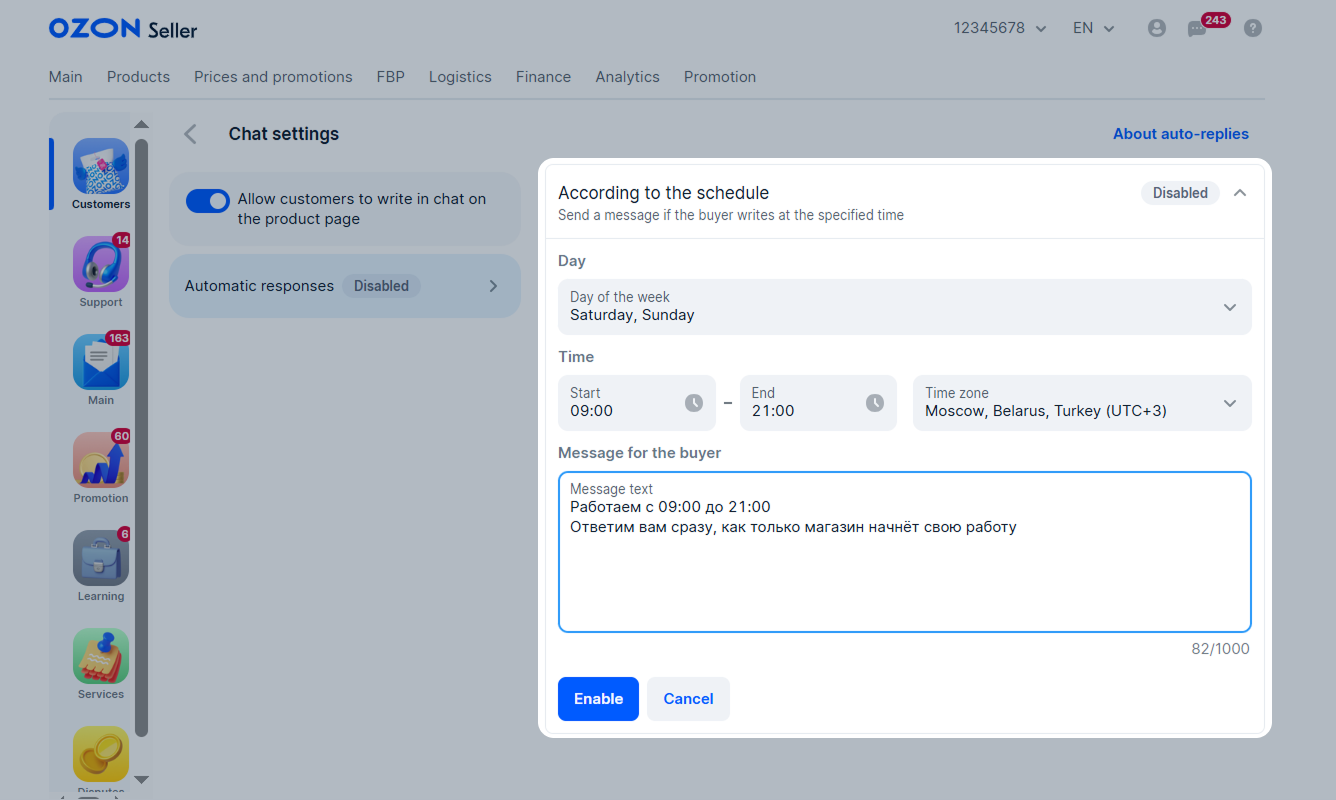
Enter the text of the message that will be sent to the customer. The field is required. Follow the customer communication guidelines to ensure your auto-reply feature remains active.
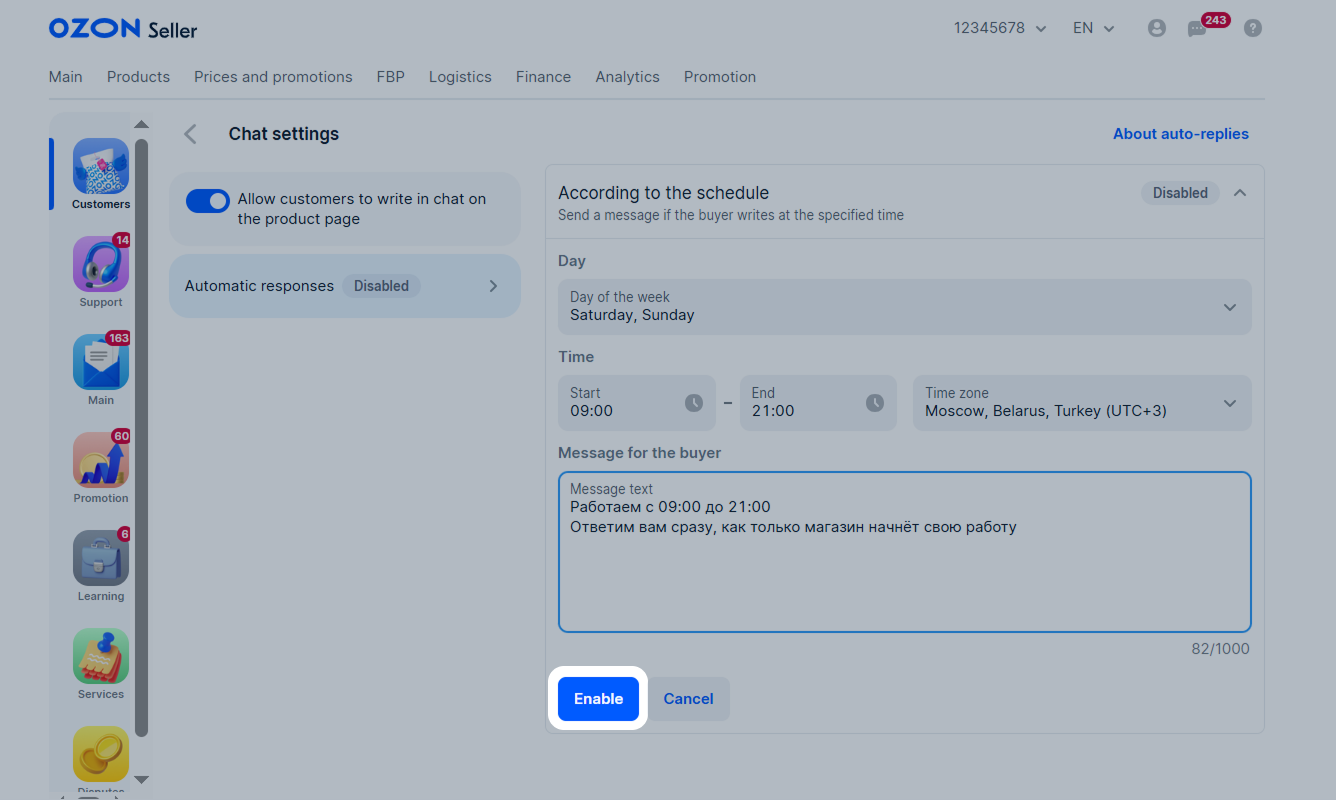
Click Enable.
Examples
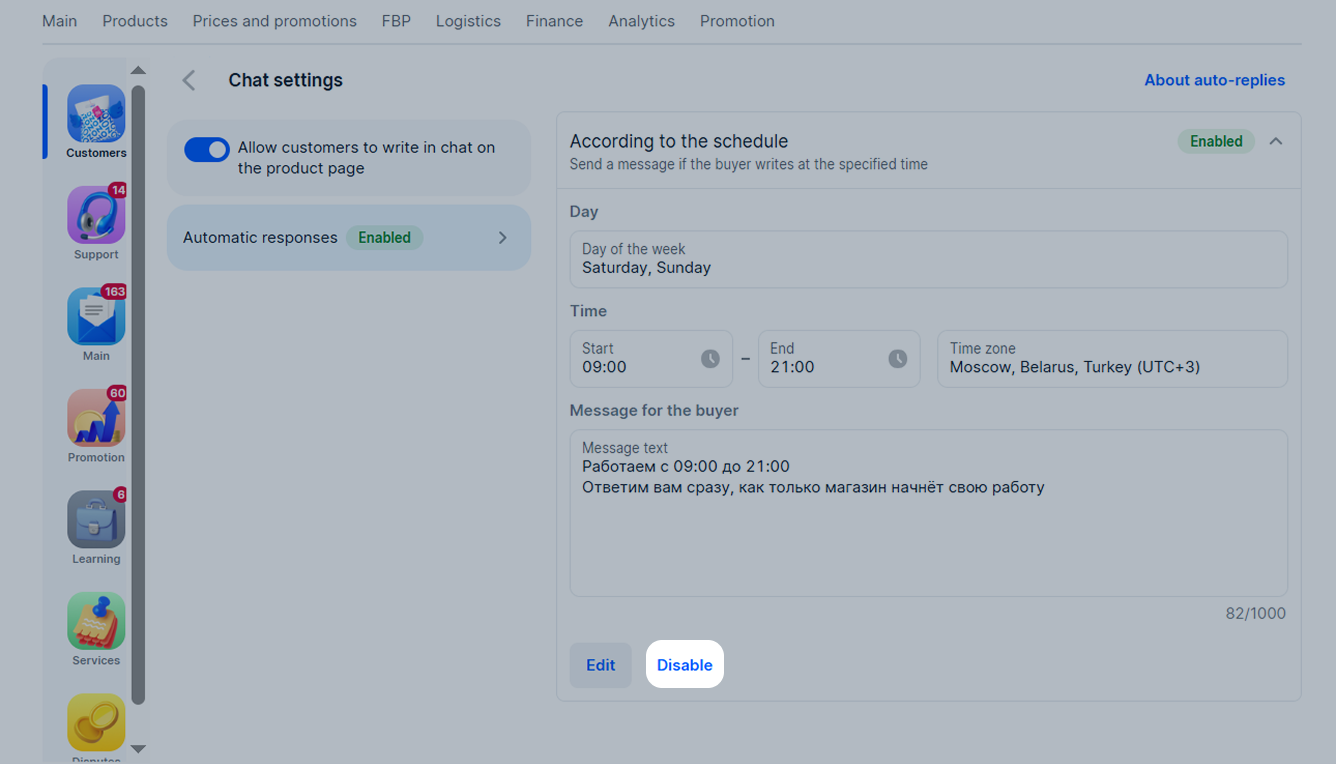
Click Disable.
Hide menu
Show menu
Выберите договор

Это база знаний для продавцов из стран СНГ и дальнего зарубежья.
Если ваша компания зарегистрирована в России, перейдите в базу знаний для продавцов из России.
Когда вы зарегистрировались на Ozon?
Условия работы и инструкции зависят от даты заключения договора — её можно посмотреть в разделе Договоры
Определили ваш договор
Он заключён с ООО «Интернет Решения». Если есть другой договор, сможете переключиться на него в боковом меню
