
Определили ваш договор
Он заключён с ООО «Интернет Решения». Если есть другой договор, сможете переключиться на него в боковом меню
A large-scale gamification mechanic for customers. The goal is to collect and spend as many “carrots” as possible to participate in the giveaway. To allow customers to get “carrots” for ordering your products, add them to the promotion. You increase the reach of your PDPs and boost sales, as customers order your products to participate in the giveaway.
Download the presentation on the Morkovsk promo (PPTX)
Within this mechanic, customers receive tasks, for example, to buy products from the promo page. Once you add products to the promotion, we highlight them with a badge and display them on the promo page. From that moment, customers can order the products and earn “carrots” in return, which they can later exchange for valuable prizes.
For joining the promo, we increase the rate for Pay-per-Order by 1%. We charge it only if a customer completes the payment for the product.
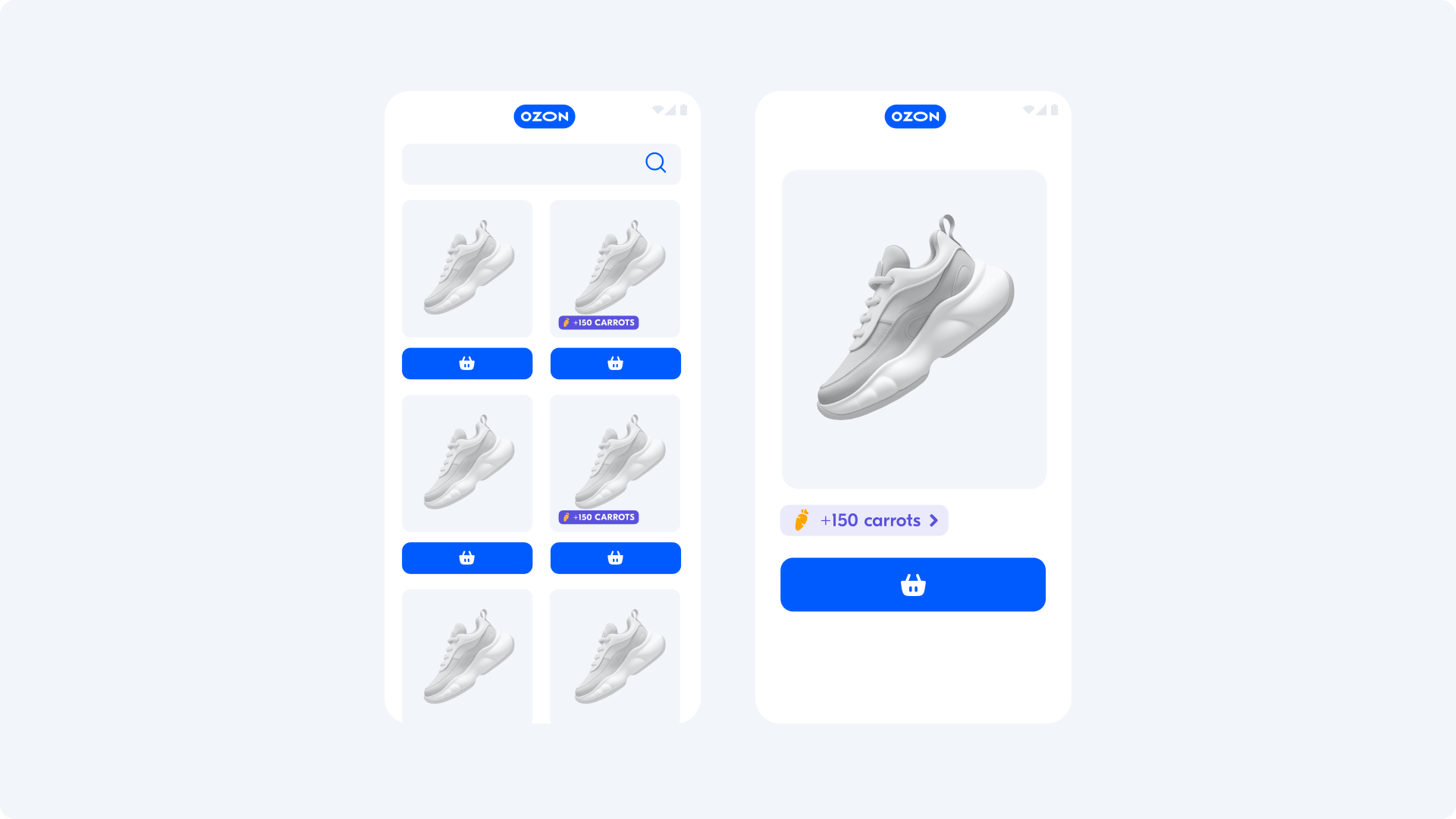
To the promotion, you can add products that you promote via Pay-per-order. Exceptions:
products worth under 100 RUB;
medications;
alcohol products;
electronic certificates.
At any moment, we can disable the promotion or remove products from it.
Learn more about the promotion terms (PDF)
In the Promotion → Pay-per-order section next to the product with Pay-per-order promotion enabled, click  under the toggle switch.
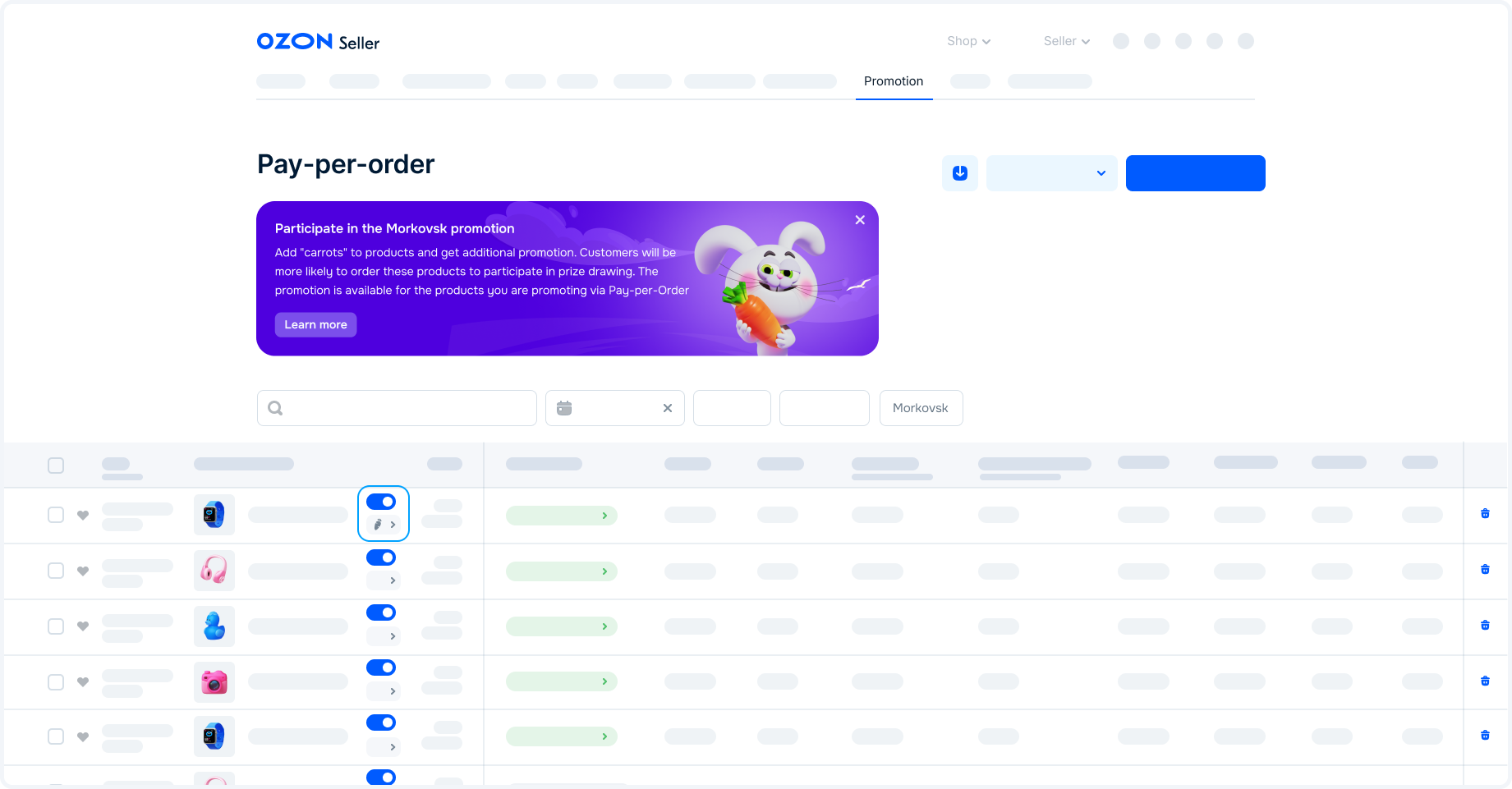
In the Promotion → Pay-per-order section, click  under the toggle switch for the product.
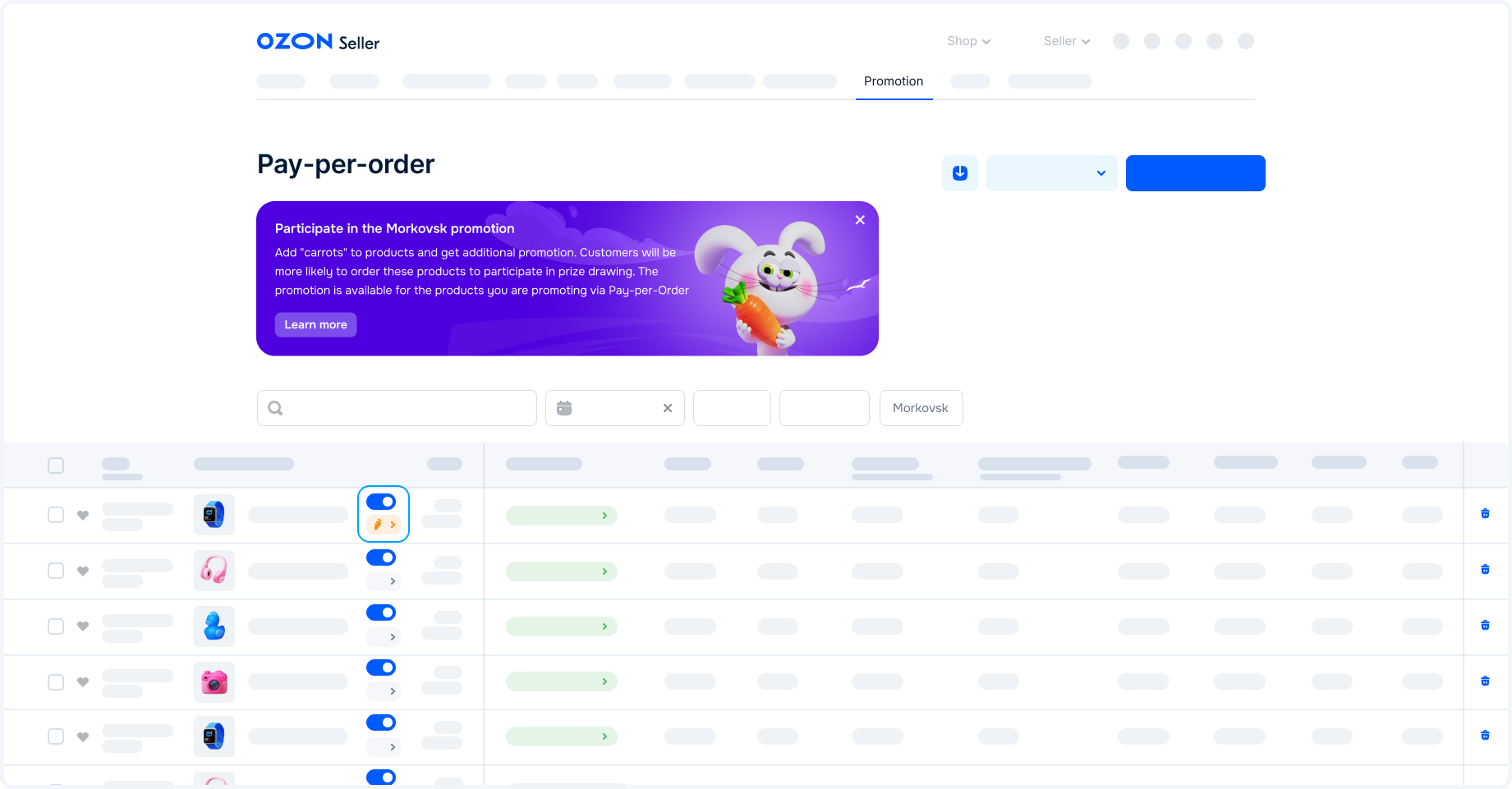
Download the report on pay-per-order sales. For products sold via the Morkovsk promotion, the value in the “Rate, %” column is adjusted upward by 1% from the reduced or fixed rate for the category.
Hide menu
Show menu
Выберите договор

Это база знаний для продавцов из стран СНГ и дальнего зарубежья.
Если ваша компания зарегистрирована в России, перейдите в базу знаний для продавцов из России.
Когда вы зарегистрировались на Ozon?
Условия работы и инструкции зависят от даты заключения договора — её можно посмотреть в разделе Договоры
Определили ваш договор
Он заключён с ООО «Интернет Решения». Если есть другой договор, сможете переключиться на него в боковом меню
