
Определили ваш договор
Он заключён с ООО «Интернет Решения». Если есть другой договор, сможете переключиться на него в боковом меню
If the prices of your products rise or fall steeply following a price update, we’ll place such products on Price quarantine. Price quarantine is a double-check that helps to:
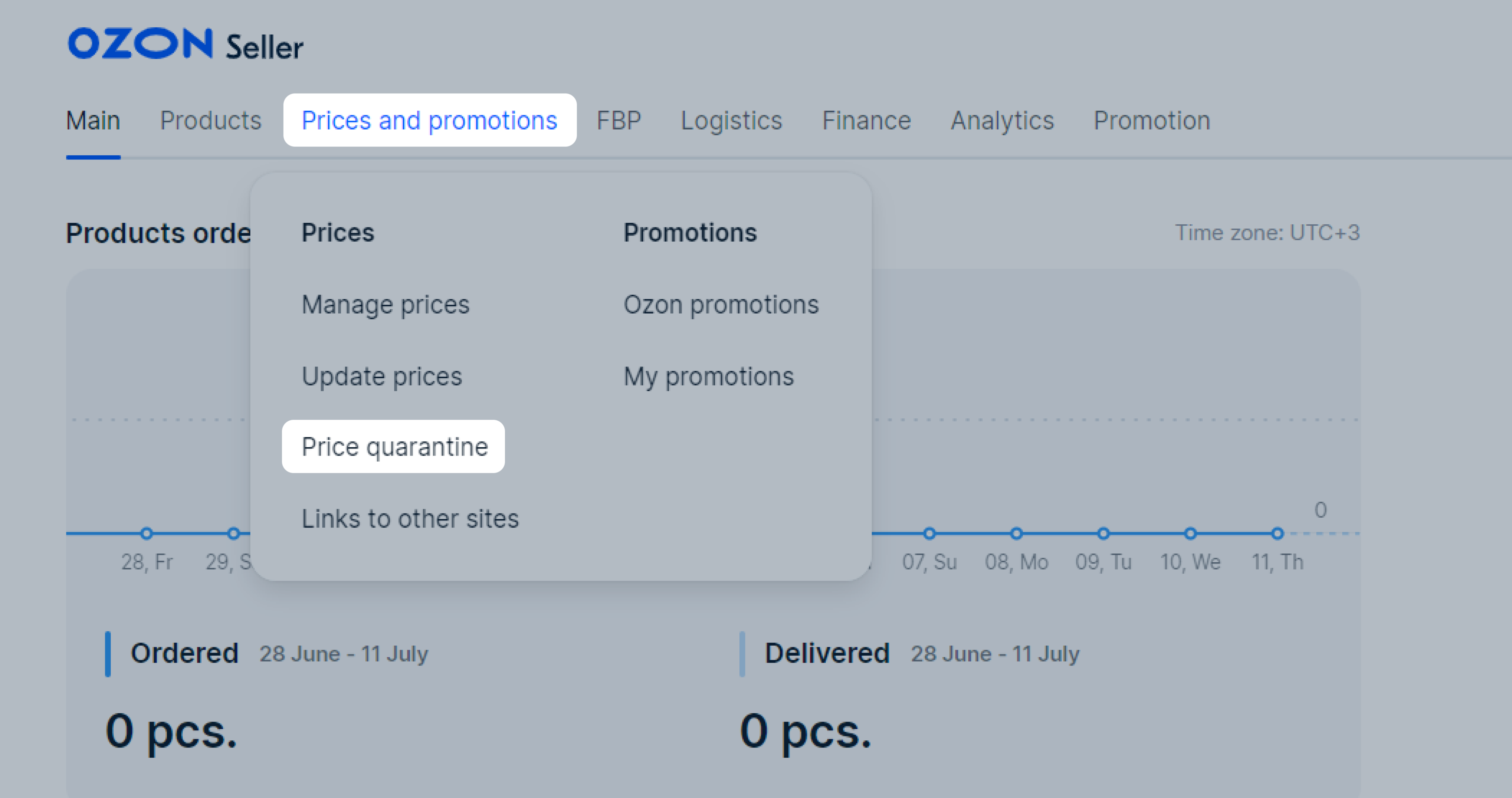
To view products in quarantine, go to the Prices and promotions → Price quarantine section.
While products are in quarantine, they are blocked and can’t be bought on Ozon. In order for products to appear on Ozon again, unlock them.
Find the product on the list and check its price. You can find the reason why the product is quarantined in the Reason for hiding column. Possible reasons:
Sharp price change: the product price increased or decreased several times.
Discounts on promotions more than 90%: we compare the median product price including discounts over the last 30 days with the price before discounts displayed in Your price column. If the total promotional discount is over 90%, the product gets quarantined. We don’t take into account discounts for points.
Learn more about cumulative discounts

If the price is:
You can unlock several products at once:
Make sure the price of each product is correct. Edit the prices if necessary.
Select the products from the list and click Unlock.
The products will be unlocked and will go back on Ozon with the prices you specified.
If you want to change the prices for all products in the quarantine, use the price template.
In the Price quarantine section, click Download. An XLS file with all quarantine items will be downloaded.
Edit prices in it.
In the Price quarantine section, click Import and upload the edited file.
If the product is sold out, replenish the stock. If you can’t replenish it or don’t want to sell the product, archive the PDP.
Don’t keep a PDP with a high price active. It may negatively affect the search ranking and lower the PDP credibility in the system.
Recommendations for maintaining the product position in the search results:
Hide menu
Show menu
Выберите договор

Это база знаний для продавцов из стран СНГ и дальнего зарубежья.
Если ваша компания зарегистрирована в России, перейдите в базу знаний для продавцов из России.
Когда вы зарегистрировались на Ozon?
Условия работы и инструкции зависят от даты заключения договора — её можно посмотреть в разделе Договоры
Определили ваш договор
Он заключён с ООО «Интернет Решения». Если есть другой договор, сможете переключиться на него в боковом меню
