
Определили ваш договор
Он заключён с ООО «Интернет Решения». Если есть другой договор, сможете переключиться на него в боковом меню
Only employees with the “Managing Director” role can terminate the contract.
Go to Settings → Contracts.
In the contract with the Active tag, click Terminate Contract.
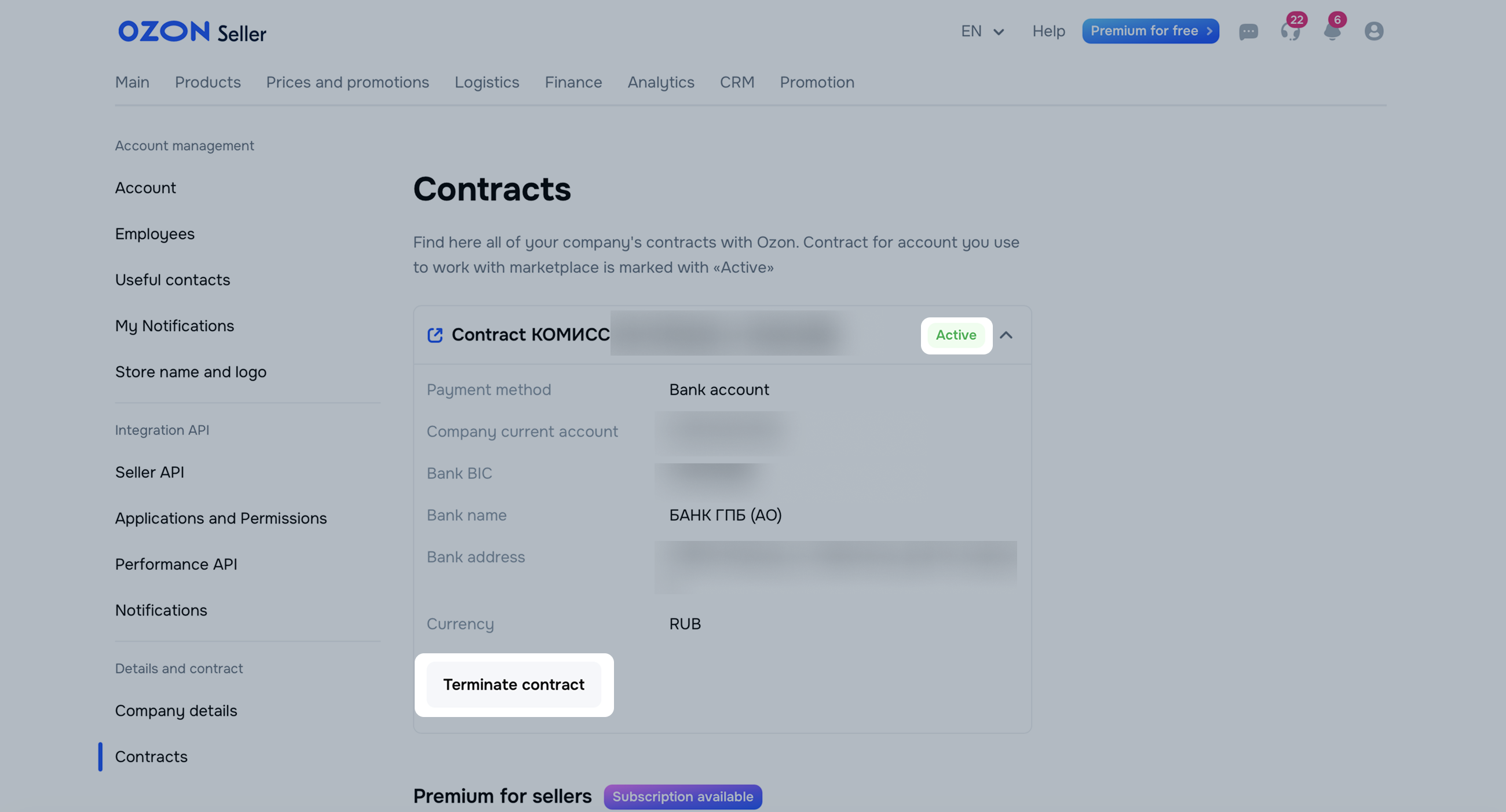
Check the details for the final payment and click Next. The priority wallet is selected by default. To change it, in the Settings → Contracts → Payment wallets block click Set Up Wallets.
Check the details for the final payment and click Next. To change the details, contact support.
Select a reason for the contract termination. If the reason isn’t on the list, select Other and describe the reason.
Click Confirm.
After confirmation, we start the contract termination and notify you about details verification. Within 7 days from the verification start, you will receive further instructions via your account support chat.
Prepare for contract termination:
complete work on all orders;
if you work under the FBP scheme, contact the partner and remove the warehouse stock;
if you work under the realFBS scheme, reset the product stock in your account.
Once the contract termination begins, we disable sales and all account features affecting your balance and set the termination date. It’s the last day of the month after we receive your notice.
Termination procedure:
Hide menu
Show menu
Выберите договор

Это база знаний для продавцов из стран СНГ и дальнего зарубежья.
Если ваша компания зарегистрирована в России, перейдите в базу знаний для продавцов из России.
Когда вы зарегистрировались на Ozon?
Условия работы и инструкции зависят от даты заключения договора — её можно посмотреть в разделе Договоры
Определили ваш договор
Он заключён с ООО «Интернет Решения». Если есть другой договор, сможете переключиться на него в боковом меню
