
You can return products outside Russia by following returns terms and conditions.
To return the product, create a return request. When it’s approved, pack and send your return.
The list of available addresses for returns via delivery services:
The list of available addresses for returns via delivery services:
How to create a return request
You can’t return the product to the parcel locker after opening the parcel locker cell.
Prepare and send return
Send your return within the period specified in your approved request. Otherwise the request will expire.
-
Prepare the product for shipping. Make sure that the product is complete and pack it carefully so it isn’t damaged in transit. Take a picture of the product before sending it to avoid disputes.
Learn more about product packaging -
Take the product to the available pick-up point of the delivery service specified in your account.
-
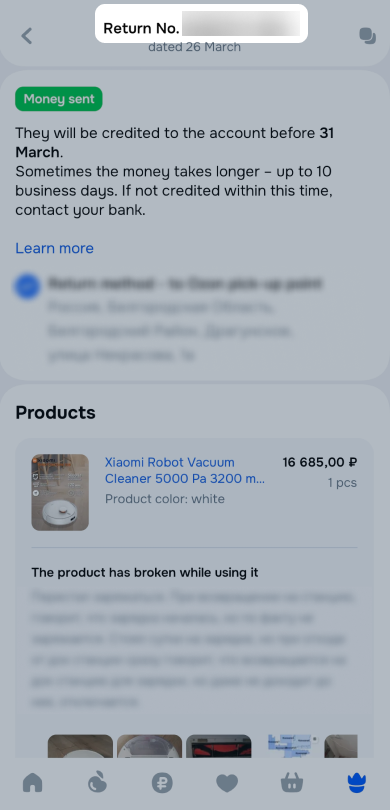
Inform the pick-up point employee that you return the product to Ozon and provide the return request number from your Ozon account.
-
After sending the return, click Confirm the shipment in your account.