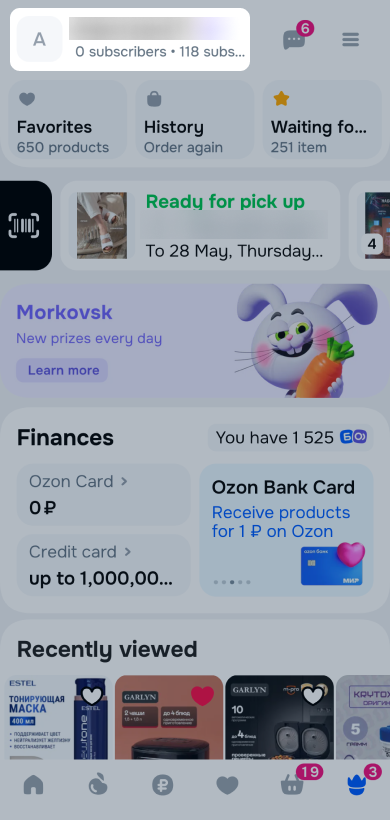
Your public profile displays achievements and non-anonymous product reviews.
Other users can subscribe to you and follow the updates.
Learn more about achievements
We send notifications about new subscribers, likes, and comments to the Activity feed chat.
Reviews for products from special categories aren’t displayed. They’re only available on the order page. These categories include:
- 18+ products;
- underwear, home clothes, and hosiery;
- electronic cigarettes, hookahs;
- vitamins and dietary supplements;
- medical devices;
- rehabilitation equipment;
- feminine hygiene products;
- gynecological and urological products.
View, edit, or hide profile
You can view the profile details and change its settings in your account.
Public name
Requirements for public name:
- up to 30 characters;
- only Latin or only Cyrillic letters;
- capital letter is allowed only at the beginning of words;
- no special characters except “-” or “’” in the middle of words;
- no obscene language or confusing words, such as “administrator” or “support”.
Avatar
You can’t place on your avatar:
- 18+ photo,
- slogans,
- LGBT symbols,
- Nazi symbols,
- military landscapes,
- QR codes,
- contacts and advertising labels,
- dead people,
- naked people.
Hide profile
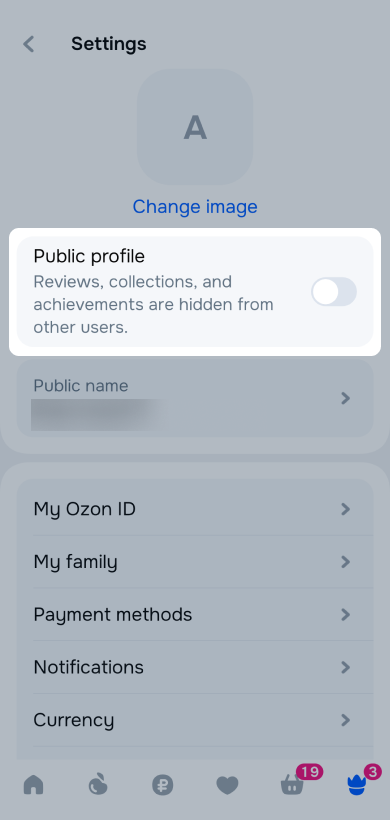
To hide reviews in your profile, turn off the public profile in the Settings section.
Hide or show reviews
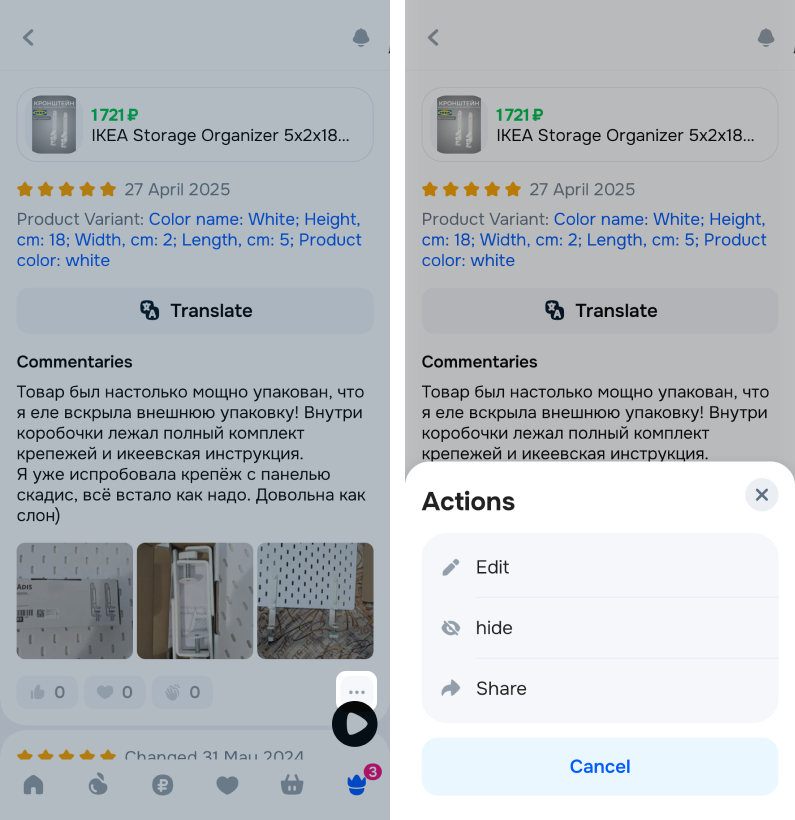
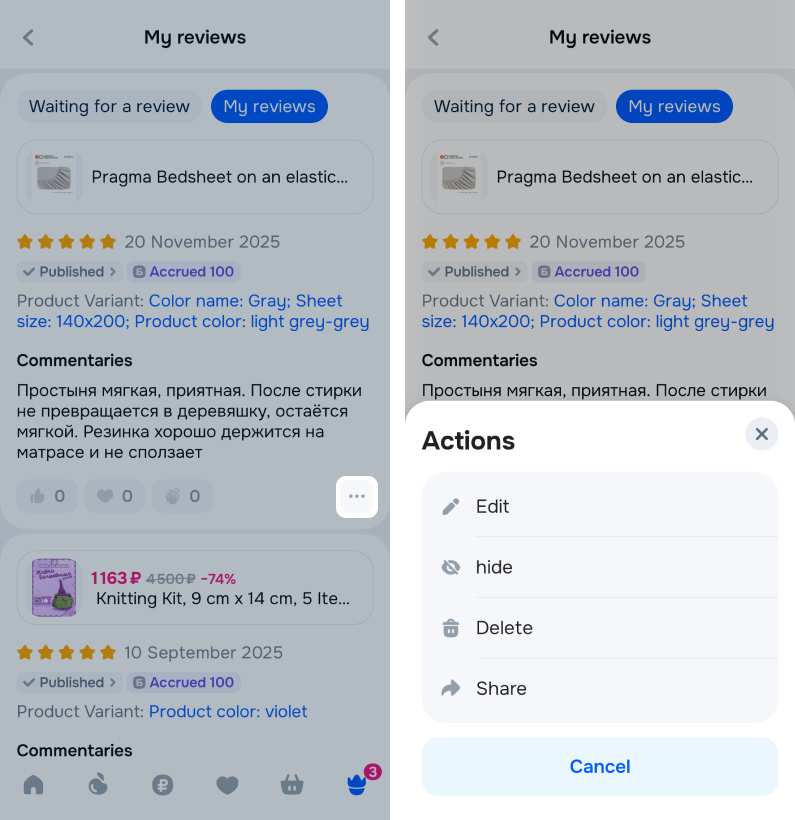
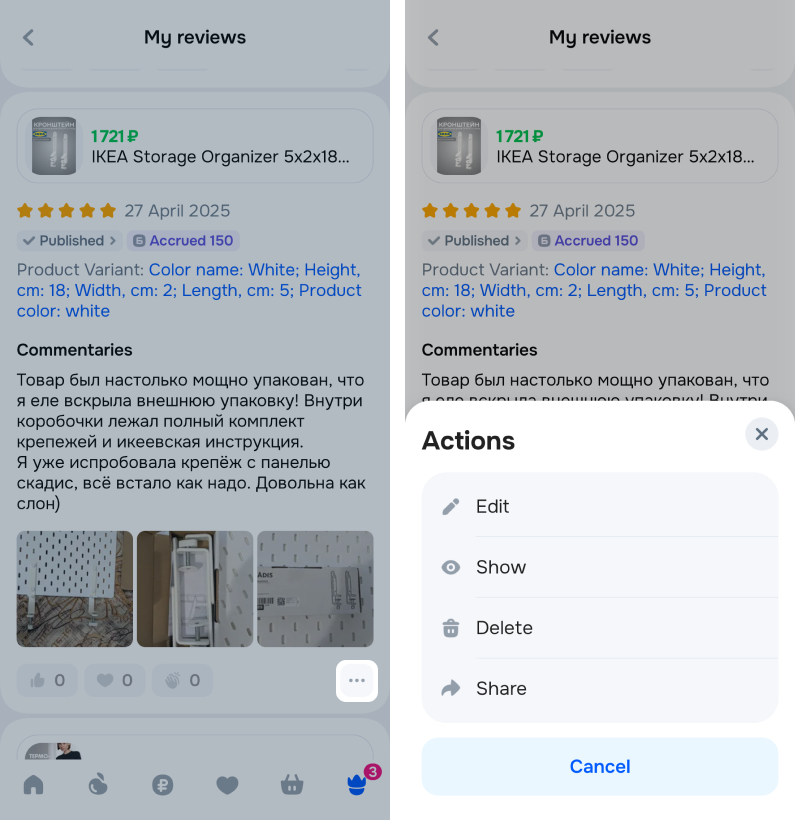
To hide the review in your profile and make it anonymous, click  → Hide:
-
in your profile;
-
in the My reviews section.
Top authors
In the public profile, you can see a section with top authors. These are other users who leave detailed reviews on purchased products.
If you click on the author’s avatar, you open their public profile. You can subscribe to the author to follow their future reviews.
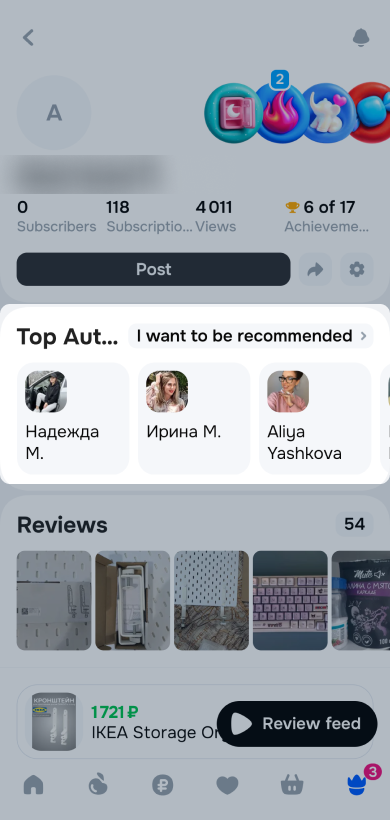
Not everyone sees top authors now. This section is in a test mode and available to a limited number of Ozon users.
Get into selection of authors
Any user can get into the selection of authors. To do this, make sure that your public profile:
- Is opened to other users.
- Filled out according to the platform rules.
- Contains at least 10 published reviews. The last 3 ones have photos and videos and were taken at least 3 months ago.
- Contains reviews of products from the following categories: cosmetics, clothing, household products.
To become a top author:
- Click I want to be recommended. You can see the button, if your profile meets all requirements.
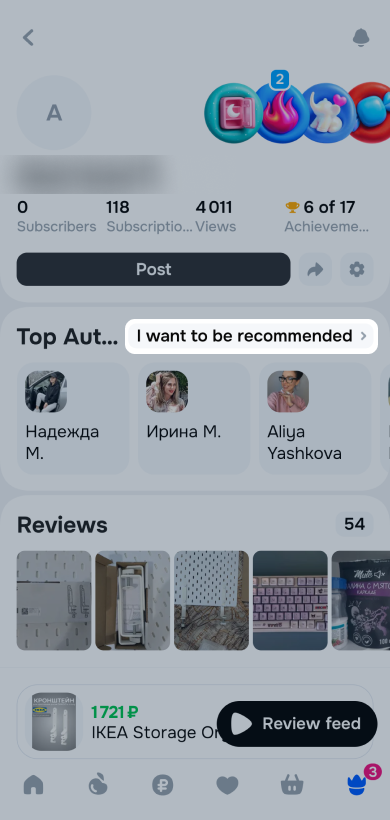
- Click Submit a request in the window. If you’re a blogger, attach a link to your profile.
Your request gets submitted for moderation. We check your public profile and send a response to the Activity feed.
The number of sent requests is unlimited. If your request is rejected, improve your reviews and try to become a top author again.
If moderation is successful, you receive a message in the Activity feed. A badge appears in your profile.
Remove from selection
If you submitted a request or you’re already in the selection of authors, but changed your mind, hide your profile from other users or change your public name. Your profile disappears from the selection.