
Selections are lists of products on Ozon created by users. You can use selections to:
- share products and recommend them;
- search for products in public selections and add them to your cart.
Public selections can be included in the Selections → Popular section.
Create selection
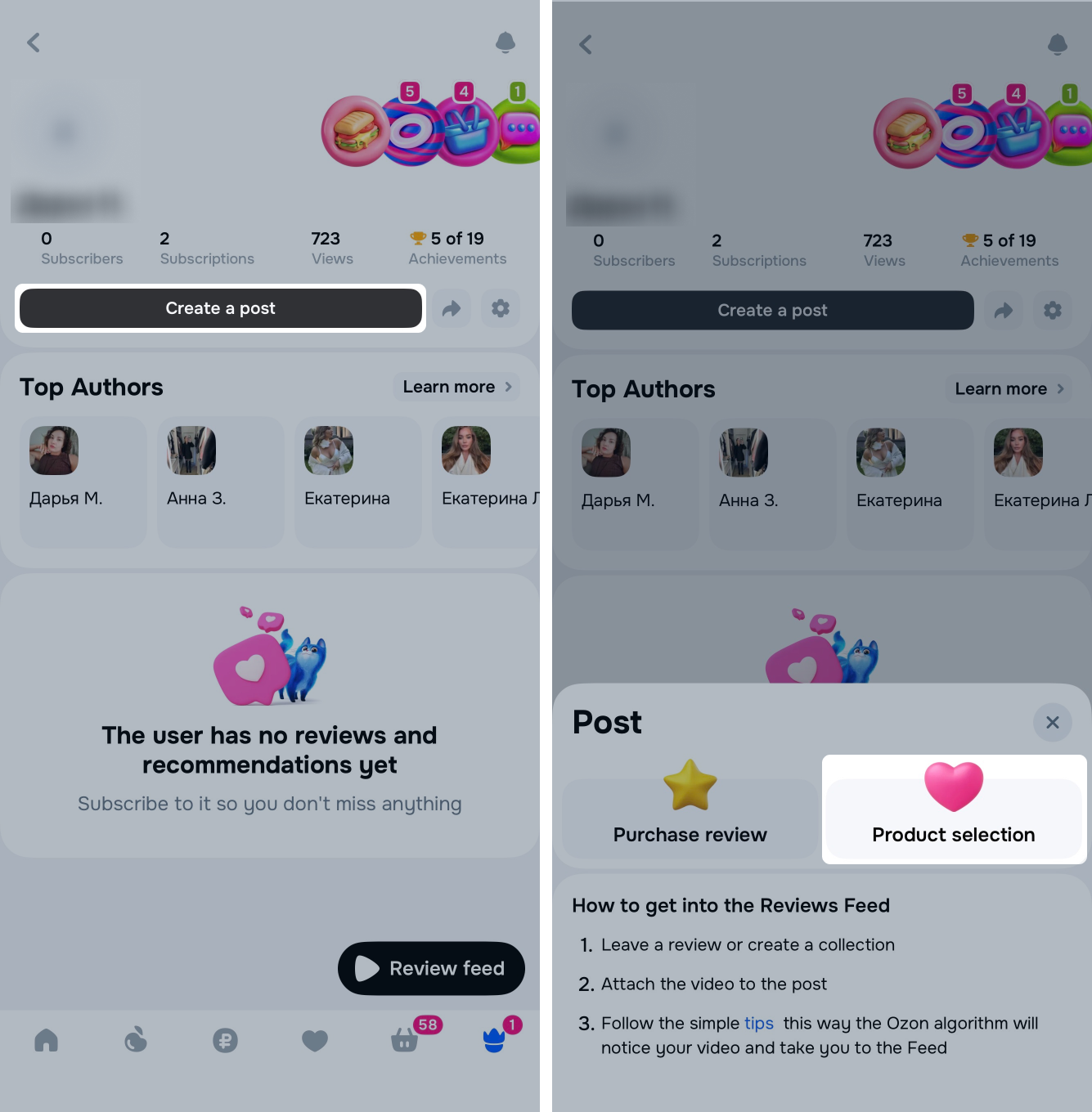
- Go to your public profile and click Create a post → Product selection.
Learn more about public profile
- Enter the name and description of the selection.
- Adjust selection visibility. Public selections are displayed in your profile and are available to all users.
Learn more about selection visibility - Click Select products.
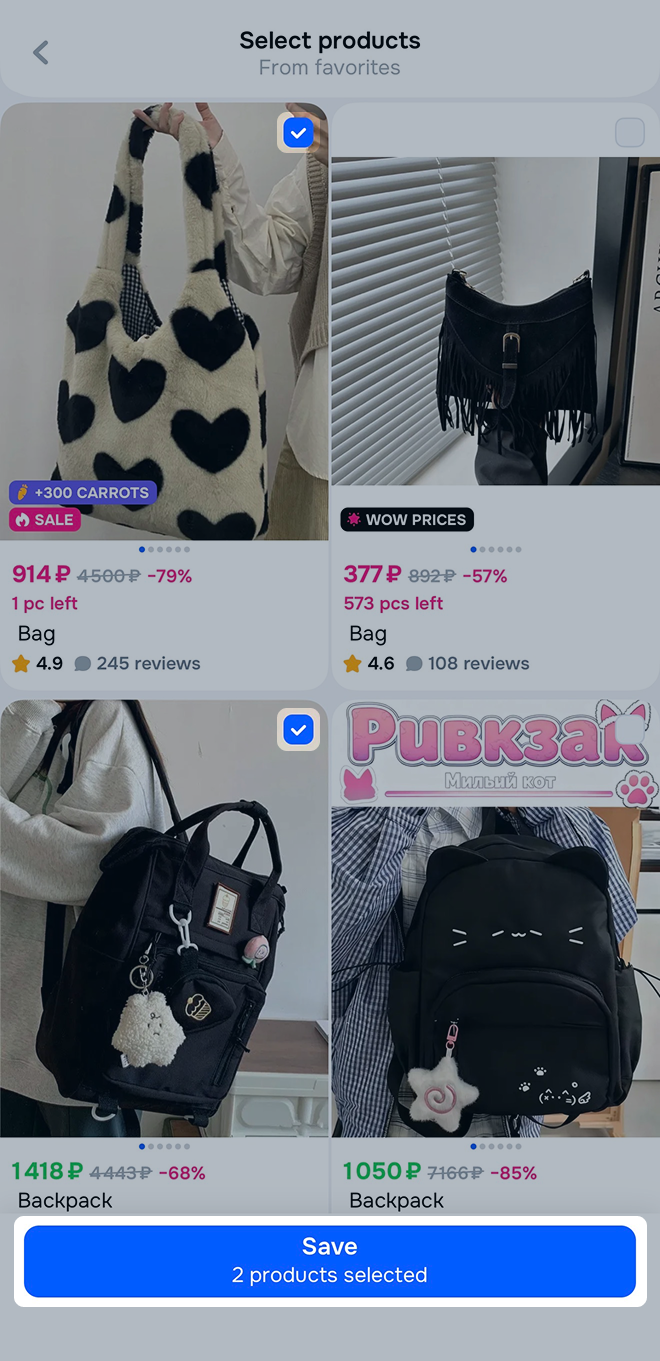
- Select the products and click Save.
After creating the selection, you can:
- Add a product: click
→ Add products, select the product and click Save. - Delete a product: open the selection and click
→ Delete on the product card. - Share the selection: click
→ Share and send the link. - Edit the selection: click
→ Edit, change the name, description, or selection cover, and click Save. - Delete the selection: click
→ Delete and confirm your action.
Visibility settings
By default, other users can view your selections. To change selection visibility, click